Trending today: Hotel Lobby◆Two photos, one click◆Free scene preview before you pay◆Photos deleted when rendering finishes or fails◆Trending today: Hotel Lobby◆Two photos, one click◆Free scene preview before you pay◆Photos deleted when rendering finishes or fails◆
Trending today: Hotel Lobby. Two photos, one click. Free scene preview before you pay. Photos deleted when rendering finishes or fails.
Turn two photos into a dynamic Hotel Lobby style duet video in 720p HD. Check your photos and preview your studio scene free in your browser before you create.
Video format
Video length
Everyday duo
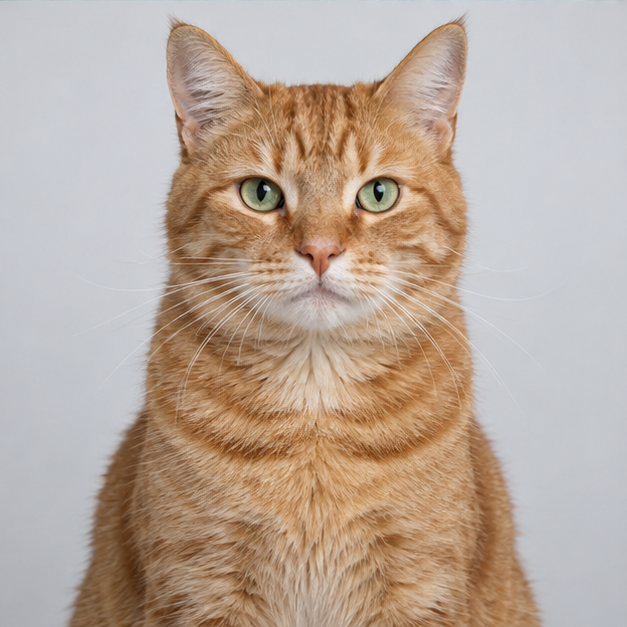
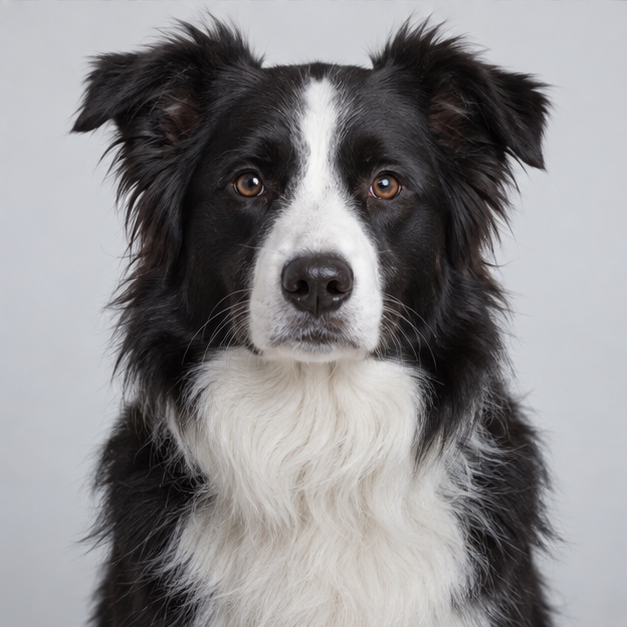
Real output made from two fictional AI-generated portraits.
Real Duet Examples
Compare the two input portraits with the final 720p output video for every example, presented exactly as rendered without manual edits.
Made with HotelLobby
Real example videos
Browse real videos made by our pipeline, each paired with the two original input photos.
Estimated prices reflect our lowest pack rate: the 15-credit pack at $2.90 ($0.19 per credit).
Source photos delete from our storage when your video finishes or fails, with automated cleanup starting 55 minutes after rendering begins. Copies held by our rendering partner follow their own retention rules.
Fictional AI portrait inputs · 10 s · 720p MP4 · 16:9 · Rendered in 4 min 10 s (unedited)
HotelLobby.live transforms two uploaded photos of people or pets into 5, 10, or 15-second Hotel Lobby style duet videos in 720p MP4, with optional custom lyrics. Photo quality checks and static studio previews run free in your browser without uploading photos or creating an account. Video generation uses credits at 1.5 credits per second, and failed videos automatically return all credits to your balance.
Add two photos, see your free scene preview in the browser, and create your video, with optional lyrics and direction if you like.
1
Add two photos
Each photo gets a score from 0 to 100 on 4 checks, so you can swap a weak one first.
2
See a scene preview
Check your framing and composition on the orange studio stage with a free preview. When you are ready, choose a video pack to bring your two photos into motion.
3
Make the video
Choose $2.90 for 1 video, $9.90 for 3, or $24.90 for 8. We save each finished video to History; failed videos return the credits used.
Choose your videos
One payment. Your choice.
Start with a free preview in your browser, then choose how many videos to create.
One-time purchase
$2.90
One-time payment
Each video is 10 seconds.
3 videos
$9.90
One-time payment
Each video is 10 seconds.
One-time purchase
$24.90
One-time payment
Each video is 10 seconds.
5- and 15-second videos use your balance in proportion to their length. Unused balance stays until you use it.
Source photos delete from our storage when your video finishes or fails, with automated cleanup starting 55 minutes after rendering begins. Copies held by our rendering partner follow their own retention rules.
The photo check runs in your browser first, so weak photos never leave your device.
Next
We make the video
The render provider receives the photos through a short-lived private link.
Rendering completion
Source photos are deleted
Source photos delete from our storage when your video finishes or fails, with automated cleanup starting 55 minutes after rendering begins. Copies held by our rendering partner follow their own retention rules.
Find short answers about photo checks, scene previews, and automatic credit returns on failed videos.
Is the preview what my video will look like?
+
The preview shows your composition and layout in the orange studio right in your browser. When you generate, AI brings the scene to life with movement. Because animation and expressions adapt to your photos, clear portraits give you the most natural results.
Will it really look like me?
+
We check your photos before you pay and show a free scene preview. Results still depend on the photos you give us, which is why the photo check comes first.
What happens to my photos?
+
Local photo checks and scene previews run in your browser without uploading files. If you leave to pay, your photos save locally in your browser to restore within 1 hour and clear when you return; any draft not restored clears on your next visit. Source photos delete from our storage when your video finishes or fails, with automated cleanup starting 55 minutes after rendering begins. Copies held by our rendering partner follow their own retention rules. Finished videos remain in your account for 7 days.
Do I pay if it fails?
+
No. Credits for a failed generation return to your balance automatically. Unused purchases can also be refunded within 3 days of payment, minus payment processing fees.
Do I need to write a prompt?
+
Prompting is completely optional. The template already carries its settings, so you can simply add two photos and generate your video. You can also use the lyrics and direction box to shape the performance, mood, and singing style.
Which photo files can I use?
+
JPG, PNG or WebP files of up to 5 MB each, with one person per photo. A shorter side of 800 px or more rates Good on the resolution check.
Can I save purchases and history to an account?
+
Signing in is optional. Choose email or Google sign-in to save this browser’s purchases and video history to your account and use them on other devices. We store your email only when you choose to sign in.