
AI Video from Photos: See How a Two-Photo Duet Is Made
Curious about exploring ai video without wrestling with complex software?
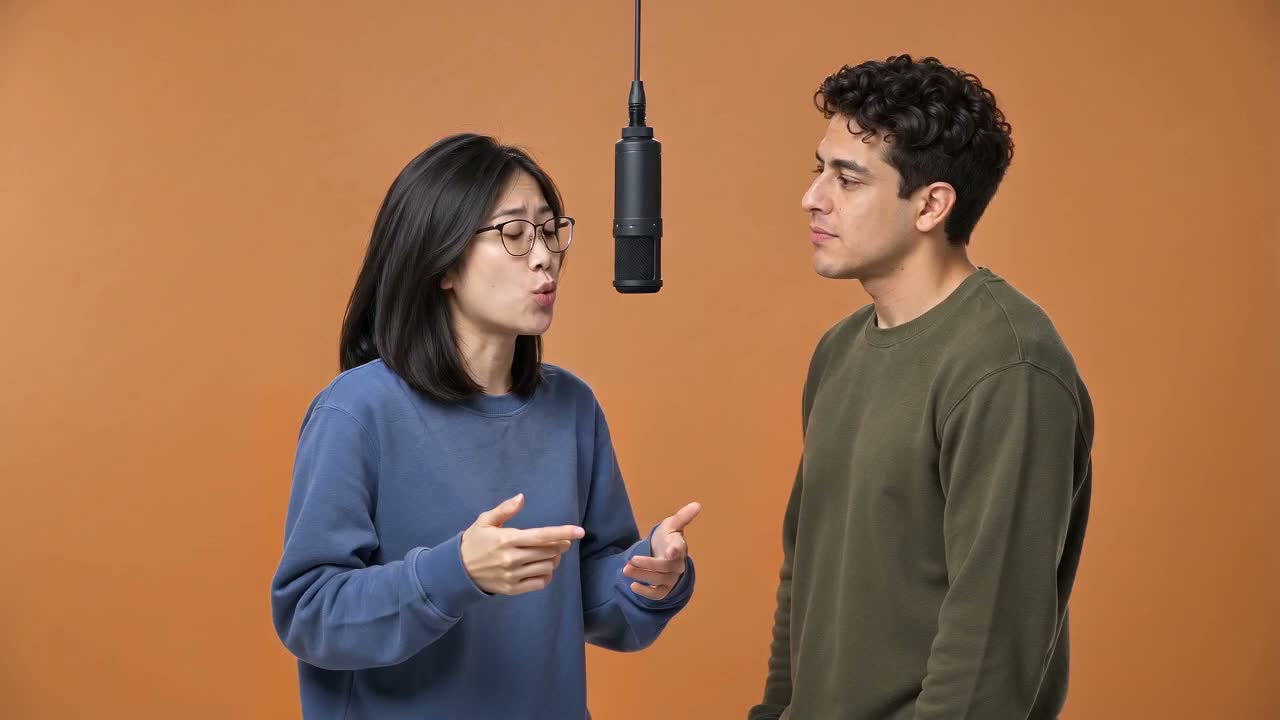
Curious about exploring ai video without wrestling with complex software? Sign up and get 1 free generation to test how HotelLobby turns two separate portraits into an animated split-screen duet, placing both subjects side by side in a bright orange studio set.
What is photo-to-video AI?
Discover how modern generative systems animate still portraits into rhythmic moving scenes using visual references and text guidance.
Photo-to-video technology introduces a fresh way to produce short motion clips. Instead of rendering scenes purely from text descriptions, these systems use existing still photographs as visual anchors [1]. When you supply reference pictures, the neural architecture extracts facial geometry, eye alignment, surface textures, and ambient lighting. The model then synthesizes sequential frames that introduce coherent movement over time, keeping the people or pets recognizable throughout the scene.
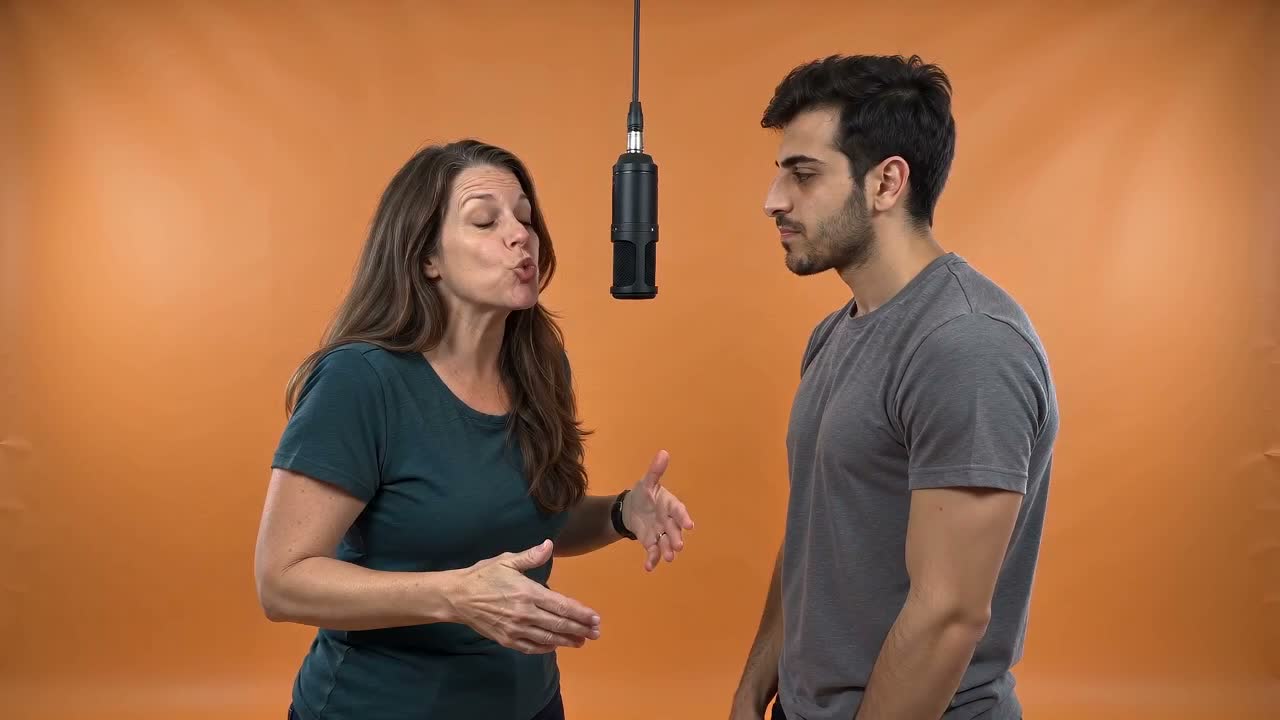
In our studio, this pipeline is driven by the Seedance 2 Mini ai video model [2]. We focus the model on a single locked medium-wide shot with two subjects framed side by side. This structured composition directs computational focus toward crisp subject boundaries, expressive facial animation, and rhythmic nodding. To understand how viral social media choreography sparked this format, explore our guide to the ai trend.
What it can do well with a free scene preview
Learn where image animation excels and how structured studio staging achieves dependable, repeatable duet performances.
Generative video delivers its most consistent quality when guided by clear creative boundaries. While unconstrained prompts can suffer from sudden perspective shifts or drifting features, a disciplined studio template produces dependable strengths:
- Subject stability: Both reference portraits remain assigned to their respective halves of the frame without swapping sides or merging facial traits.
- Rhythmic choreography: Characters deliver natural head bobs, expressive eyebrow shifts, and timed mouth movements that follow an original synthetic beat.
- Pet compatibility: Household cats and dogs receive tailored motion mapping with gentle head bobs and ear motions while preserving natural fur markings.
- Consistent staging: A seamless orange photography backdrop and a centered hanging microphone create even contrast and clean outlines.
This format is especially suitable for milestone greetings, creator collaborations, and playful pet duets where you want a charming musical exchange without manual keyframing. To see how other tools handle character motion, read our comparison of viggle ai.
What to expect on HotelLobby
Review verified benchmark metrics from ten consecutive test generations showing real processing durations and template reliability.
We publish actual performance data from ten consecutive production runs using Seedance 2 Mini [2], rendering standard 10-second outputs at 720p in 16:9 widescreen:
| Example | Inputs | Duration | Render Time | Retries | Editing |
|---|---|---|---|---|---|
Everyday duo (Everyday duo) | Fictional portraits | 10.08s | 250.5s | 0 | None |
Cat and dog (Cat and dog) | Two pets | 10.08s | 251.4s | 0 | None |
Friends (Friends) | Fictional portraits | 10.08s | 144.7s | 0 | None |
Two men (Two men) | Fictional portraits | 10.08s | 142.9s | 0 | None |
Two women (Two women) | Fictional portraits | 10.08s | 144.0s | 0 | None |
Couple (Couple) | Fictional portraits | 10.08s | 279.9s | 0 | None |
Older pair (Older pair) | Fictional portraits | 10.08s | 268.4s | 0 | None |
Two dogs (Two dogs) | Two pets | 10.08s | 131.5s | 0 | None |
Phone photos (Everyday phone photos) | Fictional portraits | 10.08s | 216.8s | 0 | None |
Look-alike pair (Look-alike pair) | Fictional portraits | 10.08s | 210.6s | 0 | None |
Across all ten test runs, recorded render times ranged between 131.5 and 279.9 seconds in benchmark logs, with zero retries and zero manual post-production. Real-world render times depend on cluster demand without fixed turnaround promises. You can inspect each unedited clip alongside its input photos in our examples gallery. To adjust motion prompts or explore fine settings, try our hotel lobby ai video generator.
How to prepare photos with a free photo check
Follow simple photography tips to help the rendering system capture sharp facial contours and natural expressions.
Clear source images give the animation engine the visual detail needed for lifelike results. A few practical preparation steps ensure strong identity retention:
- Front-facing angle: Choose photos where each subject faces forward with open eyes and fully visible facial features.
- Balanced lighting: Soft natural light or even indoor illumination prevents harsh shadows across the nose, eyes, or cheekbones.
- Unobstructed faces: Avoid sunglasses, heavy hats, or hands covering the mouth or chin so mouth movements render cleanly.
- Upper-body framing: Crop each picture from the chest or waist up so subjects fill their frame comfortably.
Before submitting your photos, run our free photo check [5]. The tool reviews resolution, brightness, contrast, and sharpness locally on your device without uploading files or creating an account. For extra image examples, read our full photography advice.
Responsible use and public sharing
Understand consent practices and platform disclosure guidelines when publishing synthetic media on social networks.
Generative creative tools thrive when guided by respect for individuals and audiences. When making videos with portraits of friends, relatives, or coworkers, confirm you have their permission before animating their likenesses. Our studio is built for positive greetings, friendly parodies, and fun personal exchanges.
When posting realistic generated performances on public video networks like YouTube, check their synthetic media disclosure rules [3]. Major platforms encourage creators to label realistic content where individuals appear to perform actions they did not take in physical life. Adding a clear label supports transparency and helps viewers appreciate the creative technology behind your clip. To see how our full generation pipeline fits together, visit our hotel lobby ai overview.
Examples
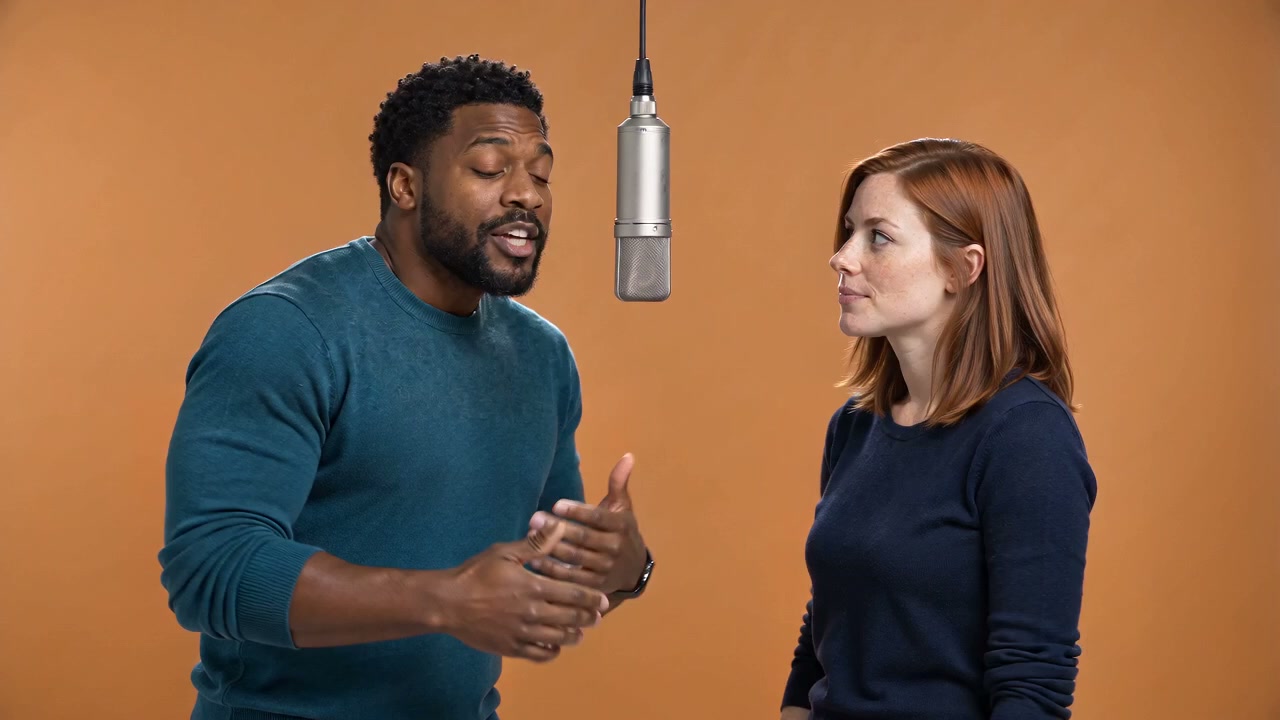 0:10
0:10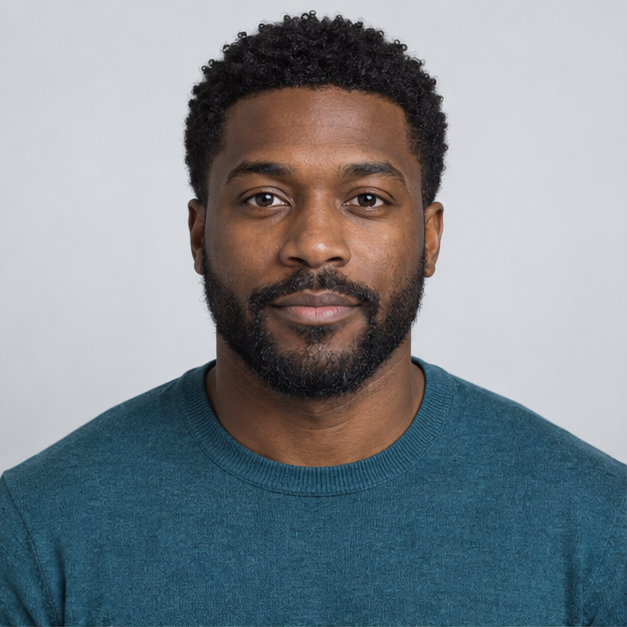
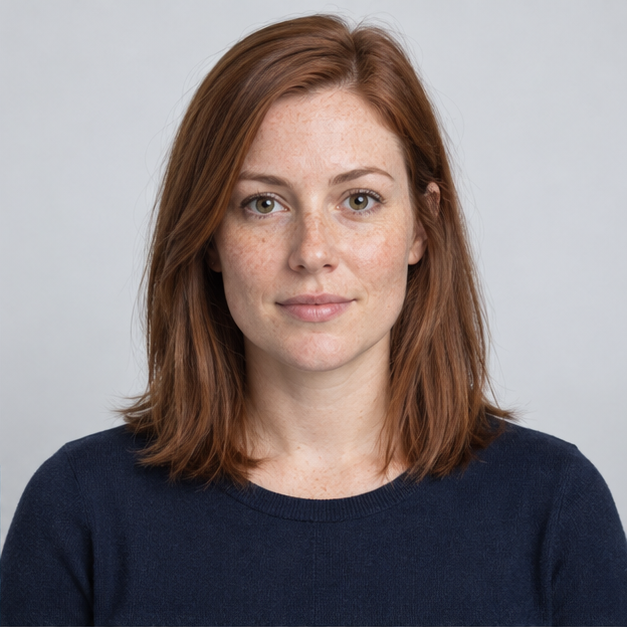
Everyday duo
Made from two fictional, AI-generated portraits.
10 s · 720p · 16:9 · No manual editing
Generated in 4:10
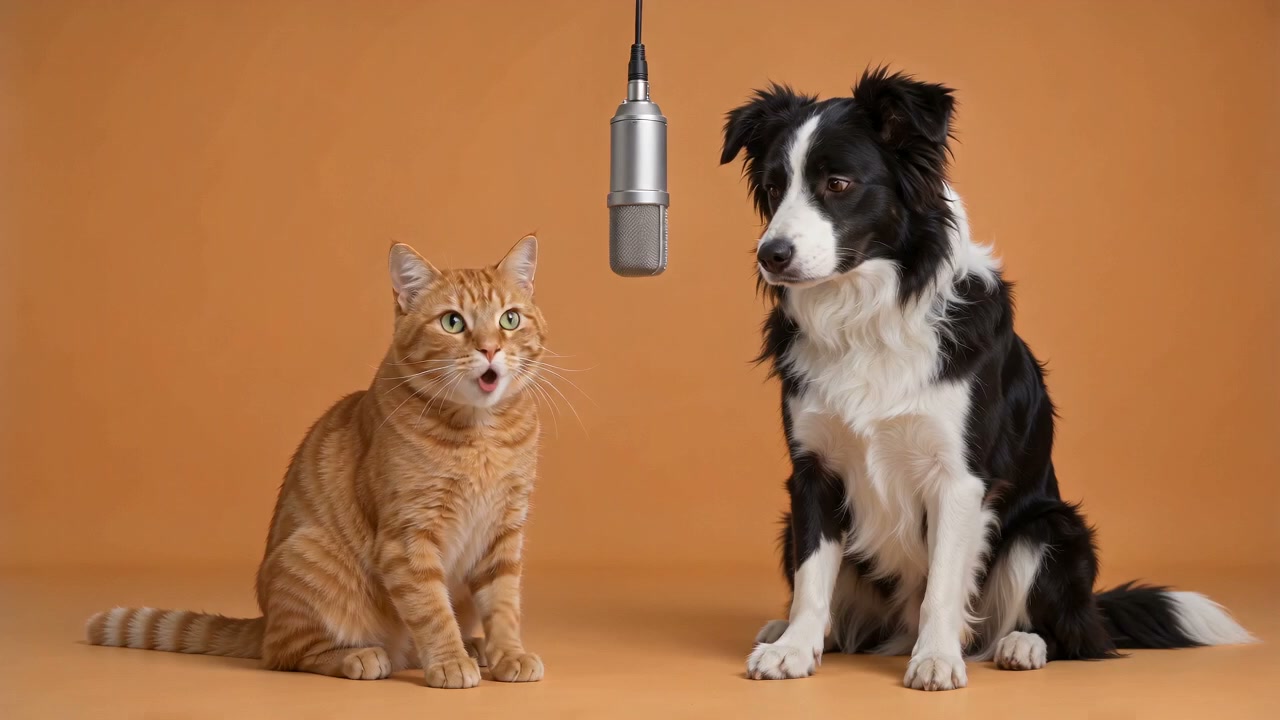 0:10
0:10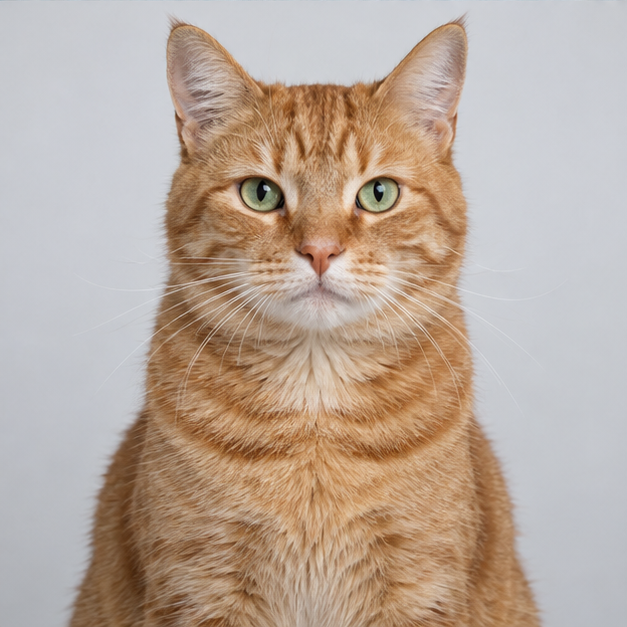
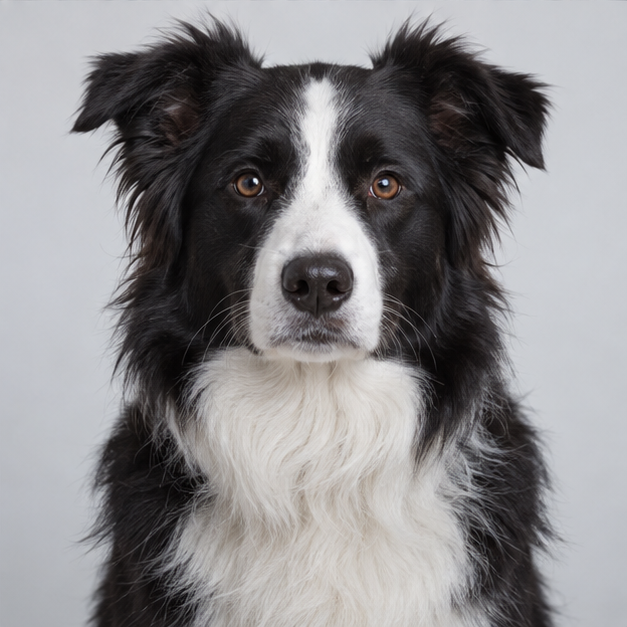
Cat and dog
Made from two fictional, AI-generated pets.
10 s · 720p · 16:9 · No manual editing
Generated in 4:11
 0:10
0:10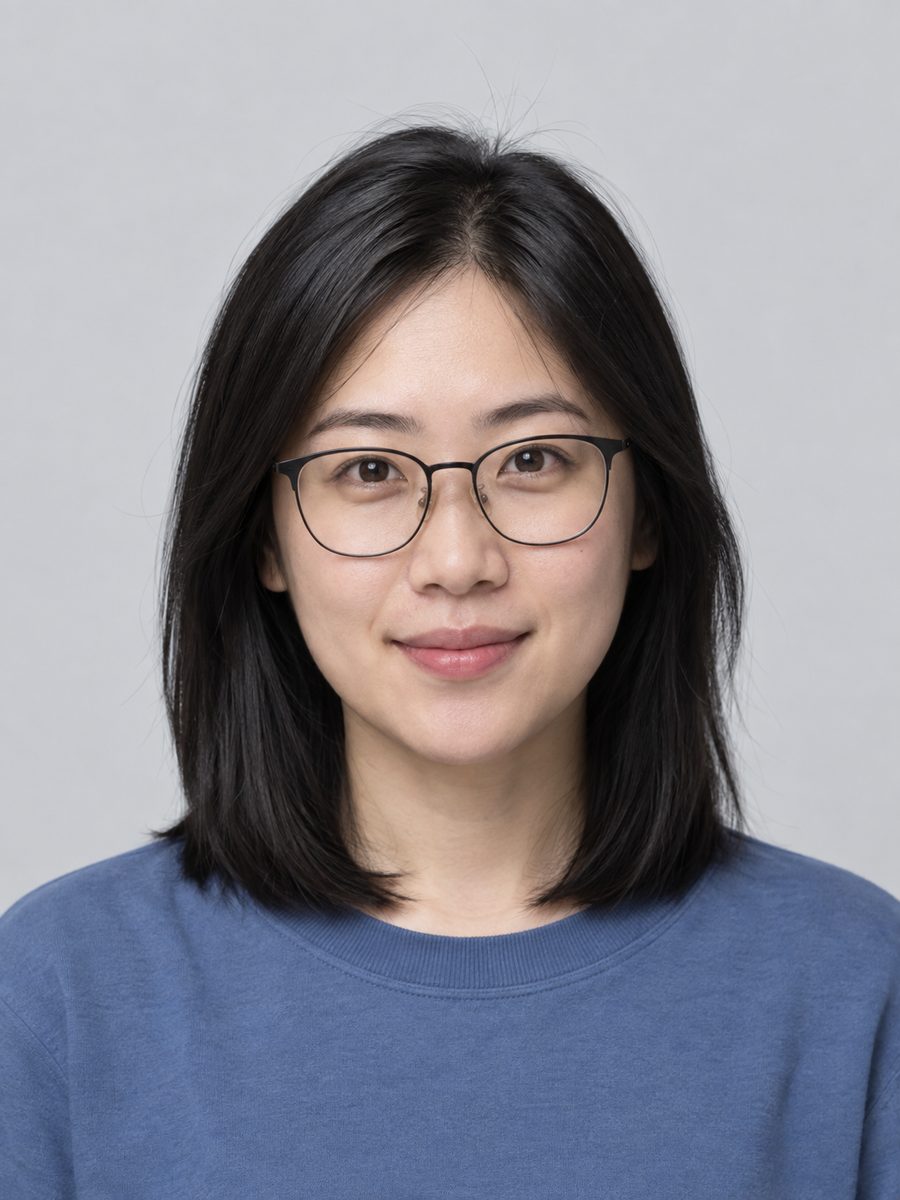

Friends
Made from two fictional, AI-generated portraits.
10 s · 720p · 16:9 · No manual editing
Generated in 2:24
 0:10
0:10

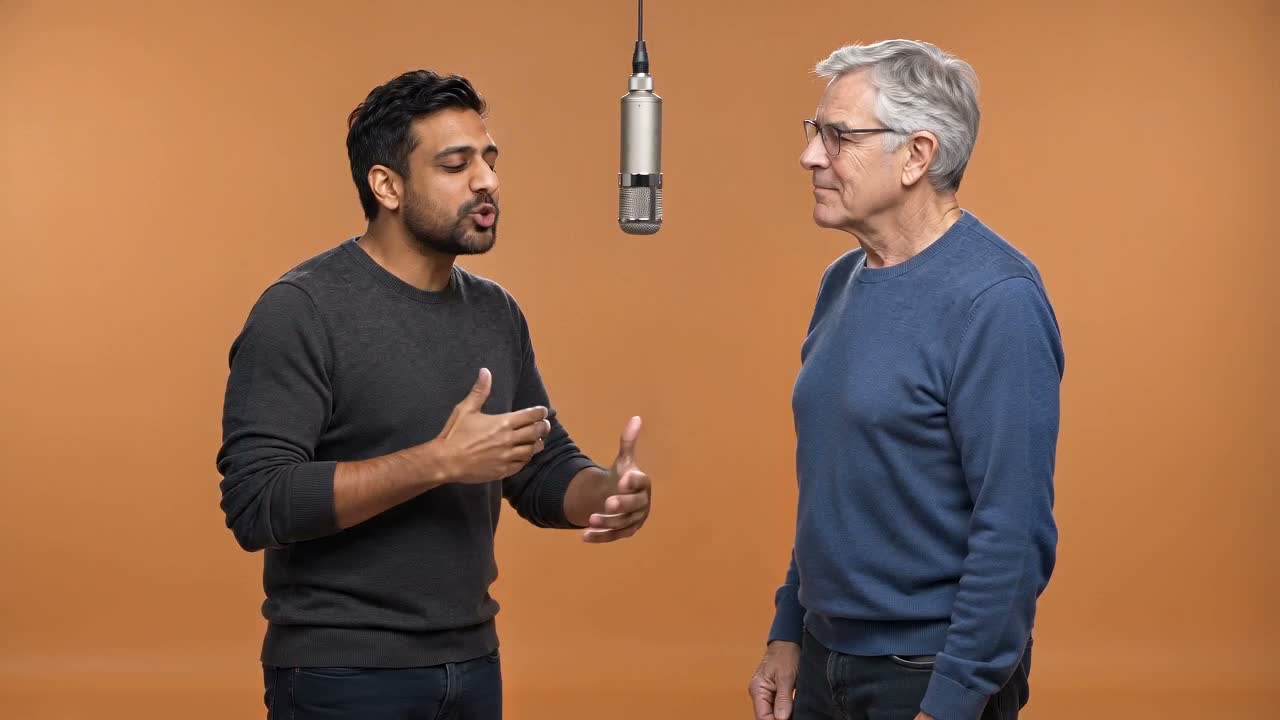
Two men
Made from two fictional, AI-generated portraits.
10 s · 720p · 16:9 · No manual editing
Generated in 2:22
 0:10
0:10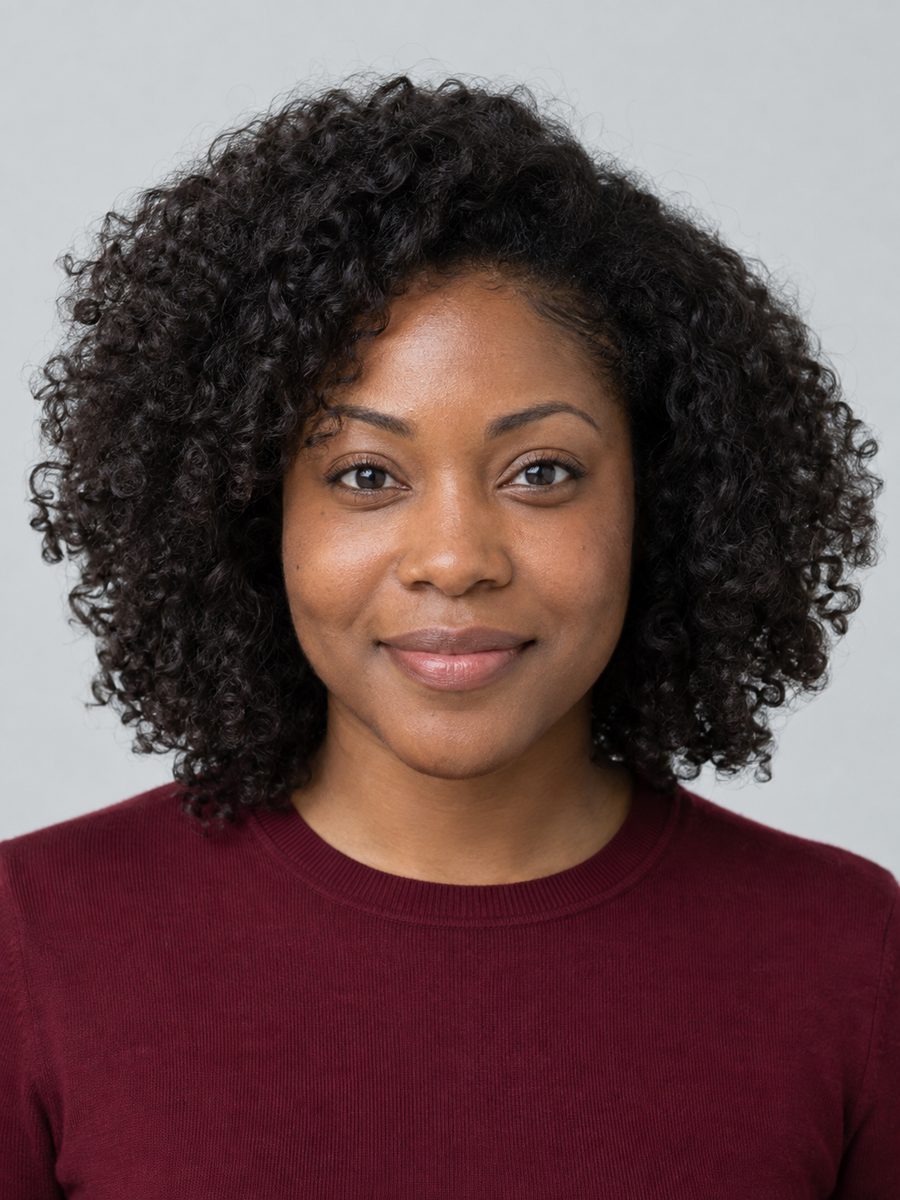
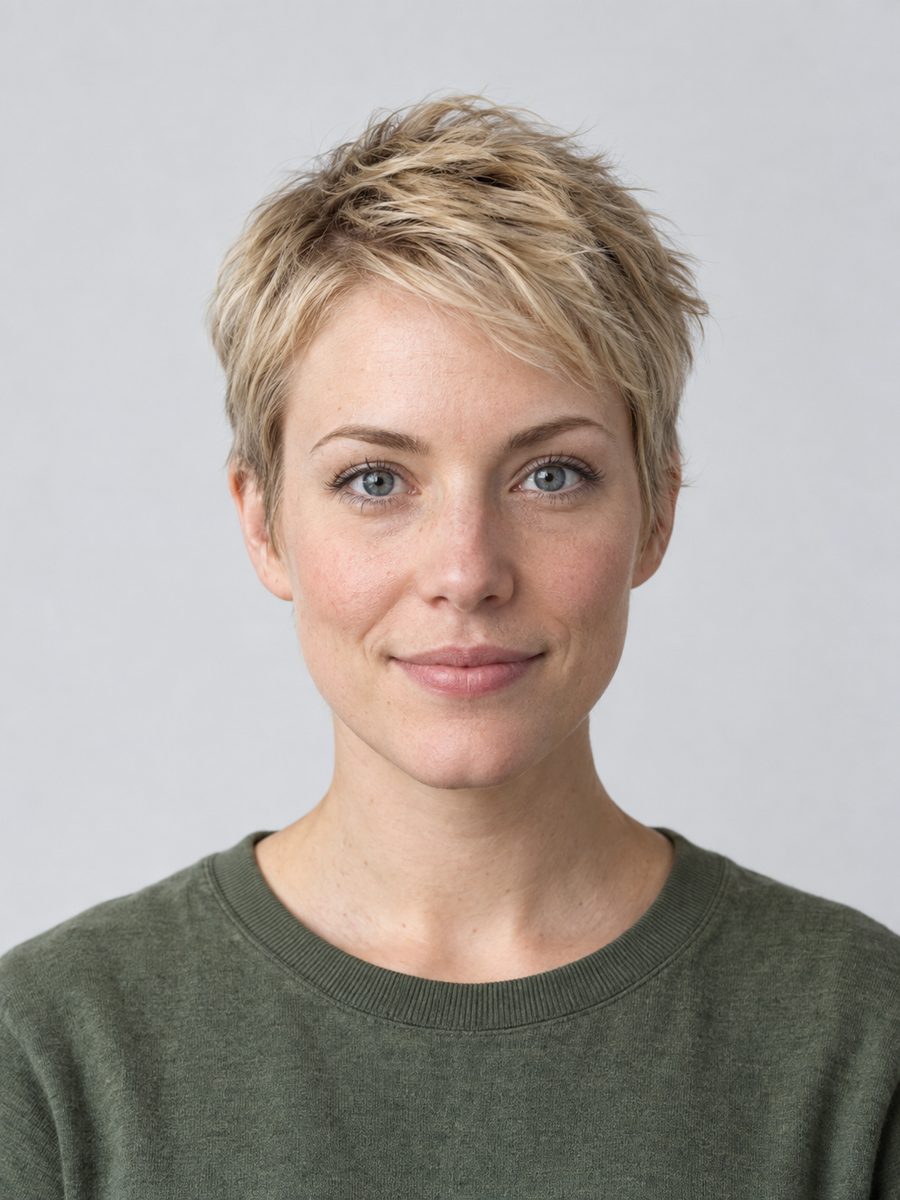
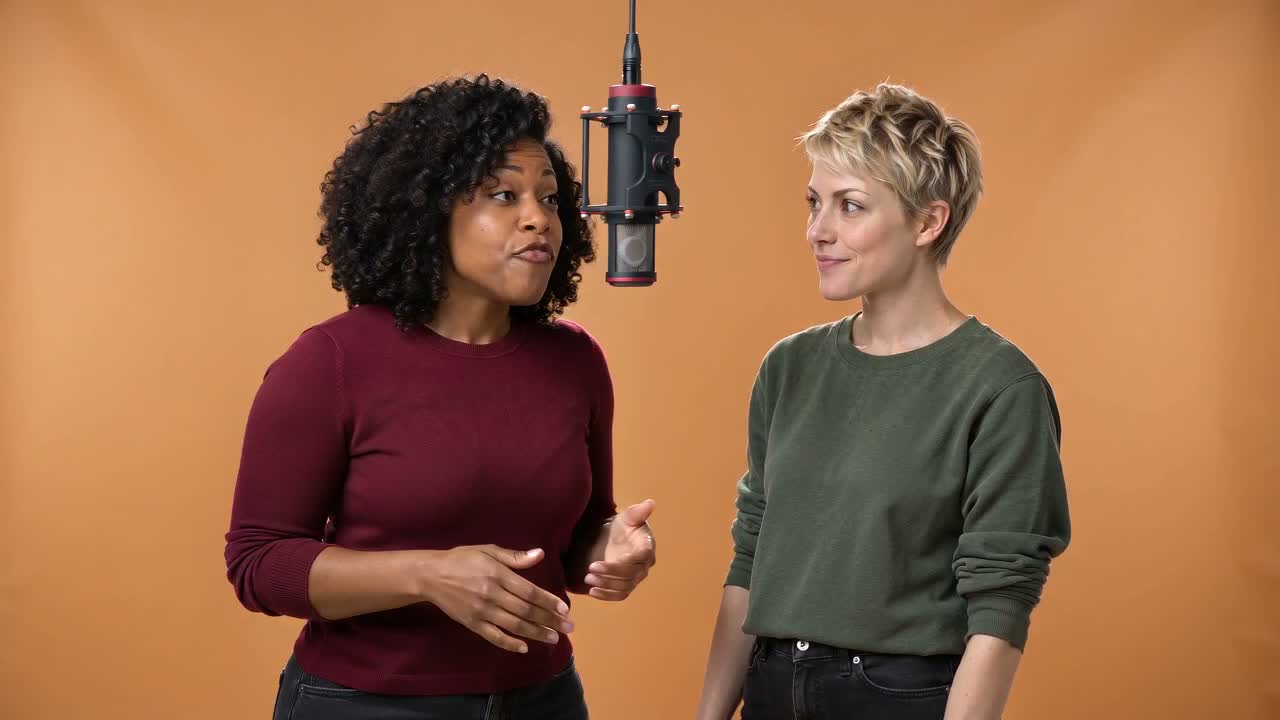
Two women
Made from two fictional, AI-generated portraits.
10 s · 720p · 16:9 · No manual editing
Generated in 2:24
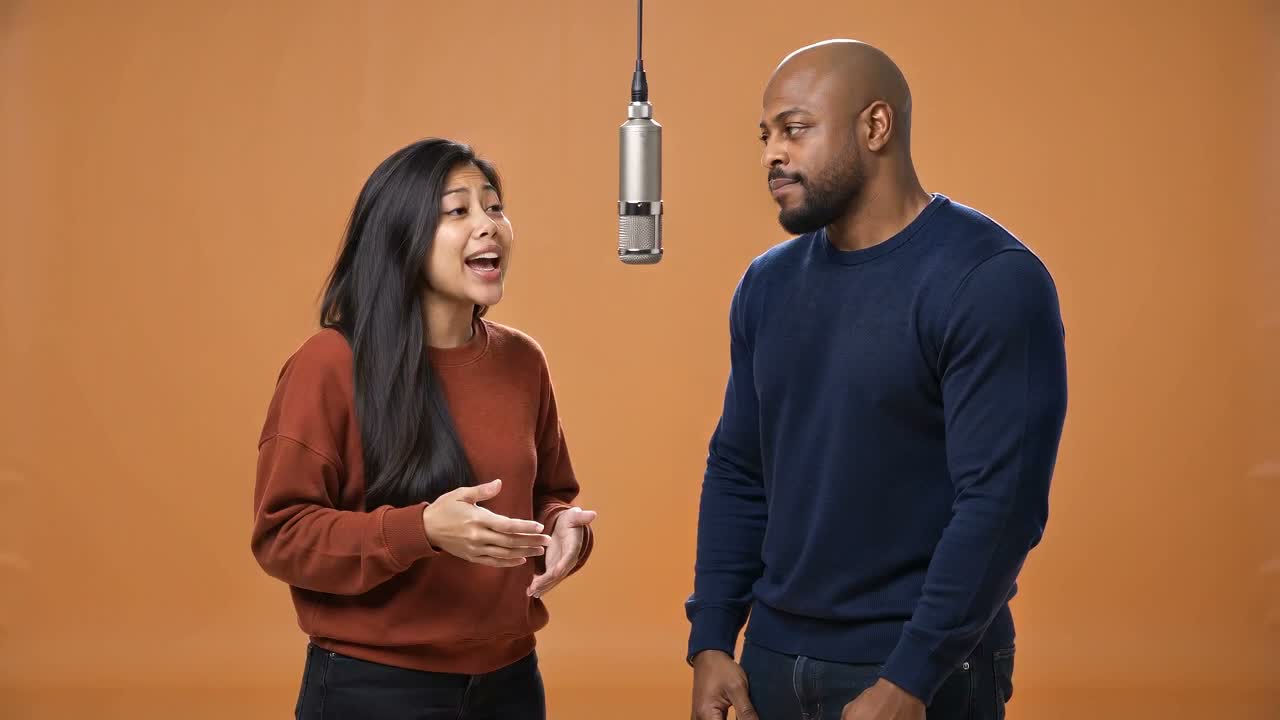 0:10
0:10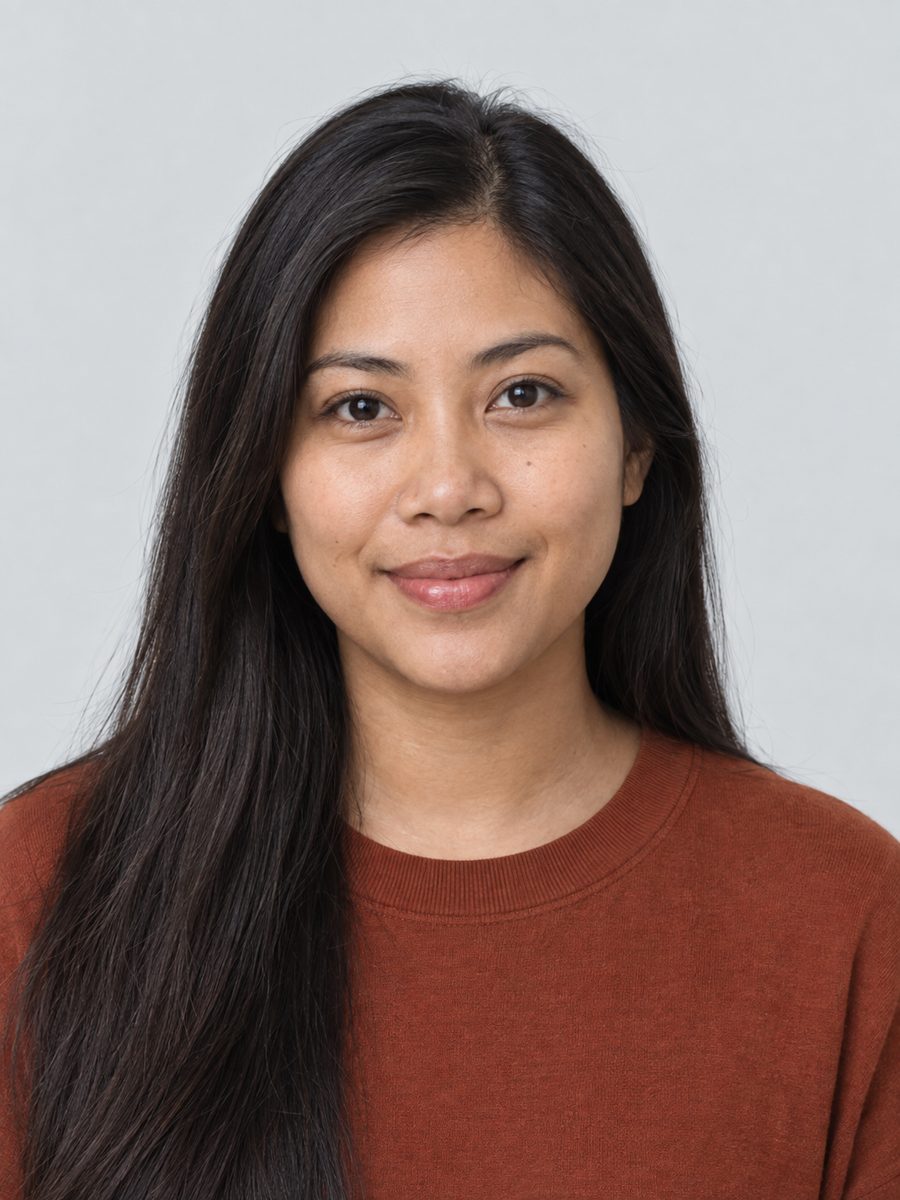
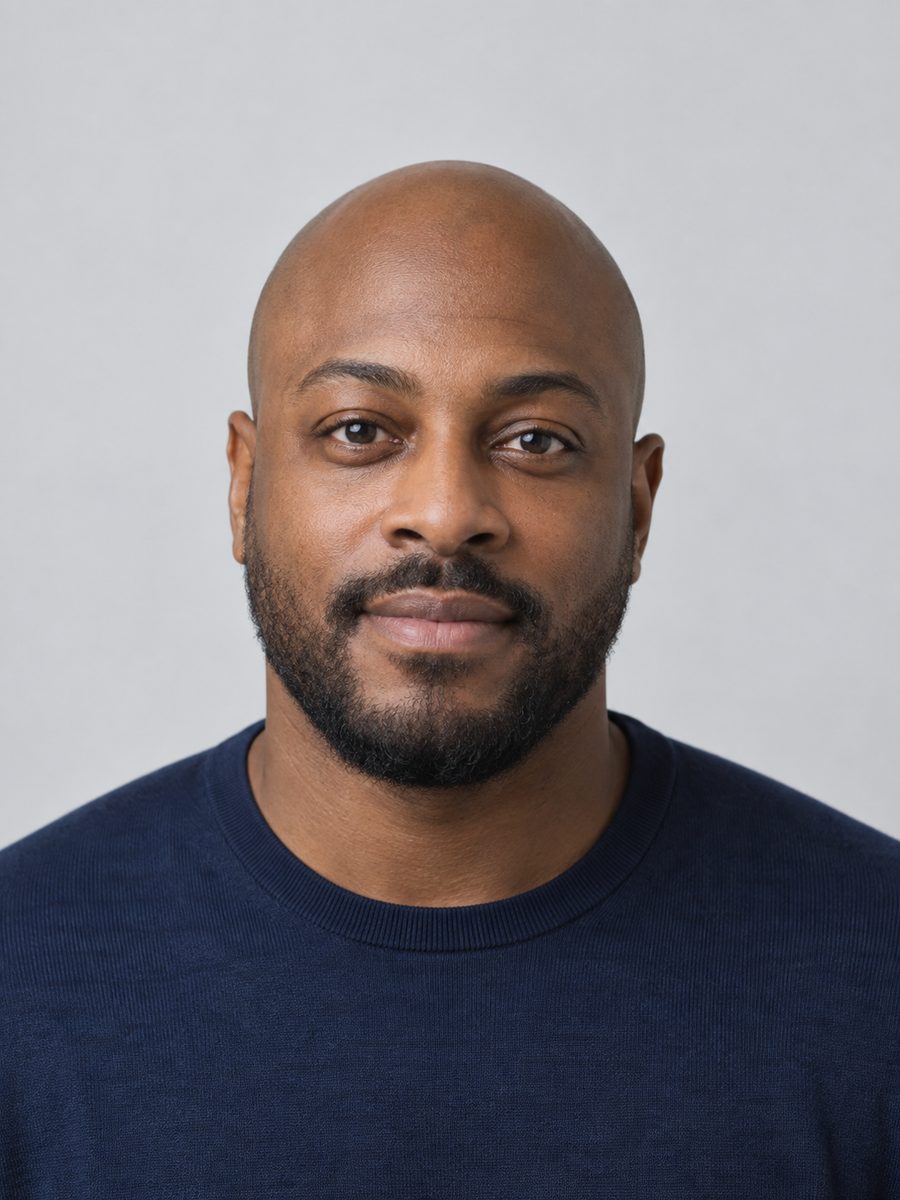
Couple
Made from two fictional, AI-generated portraits.
10 s · 720p · 16:9 · No manual editing
Generated in 4:39
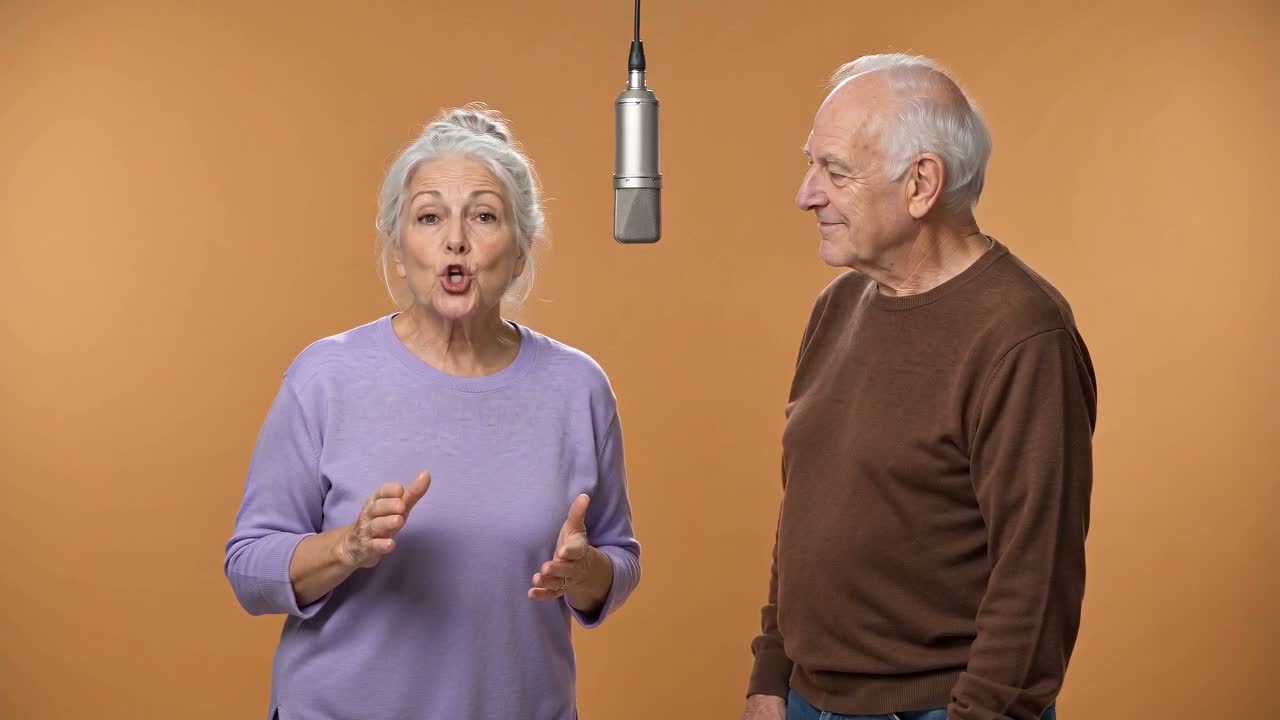 0:10
0:10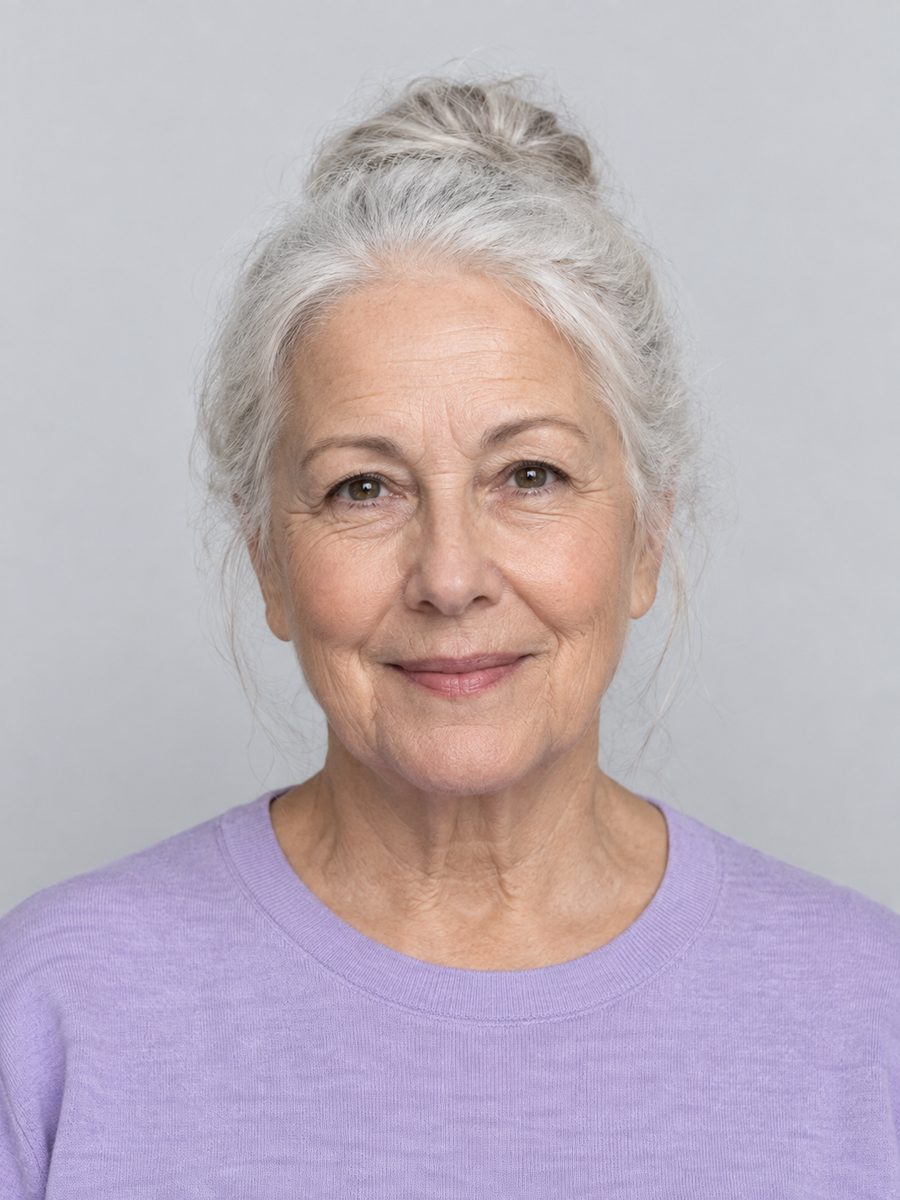
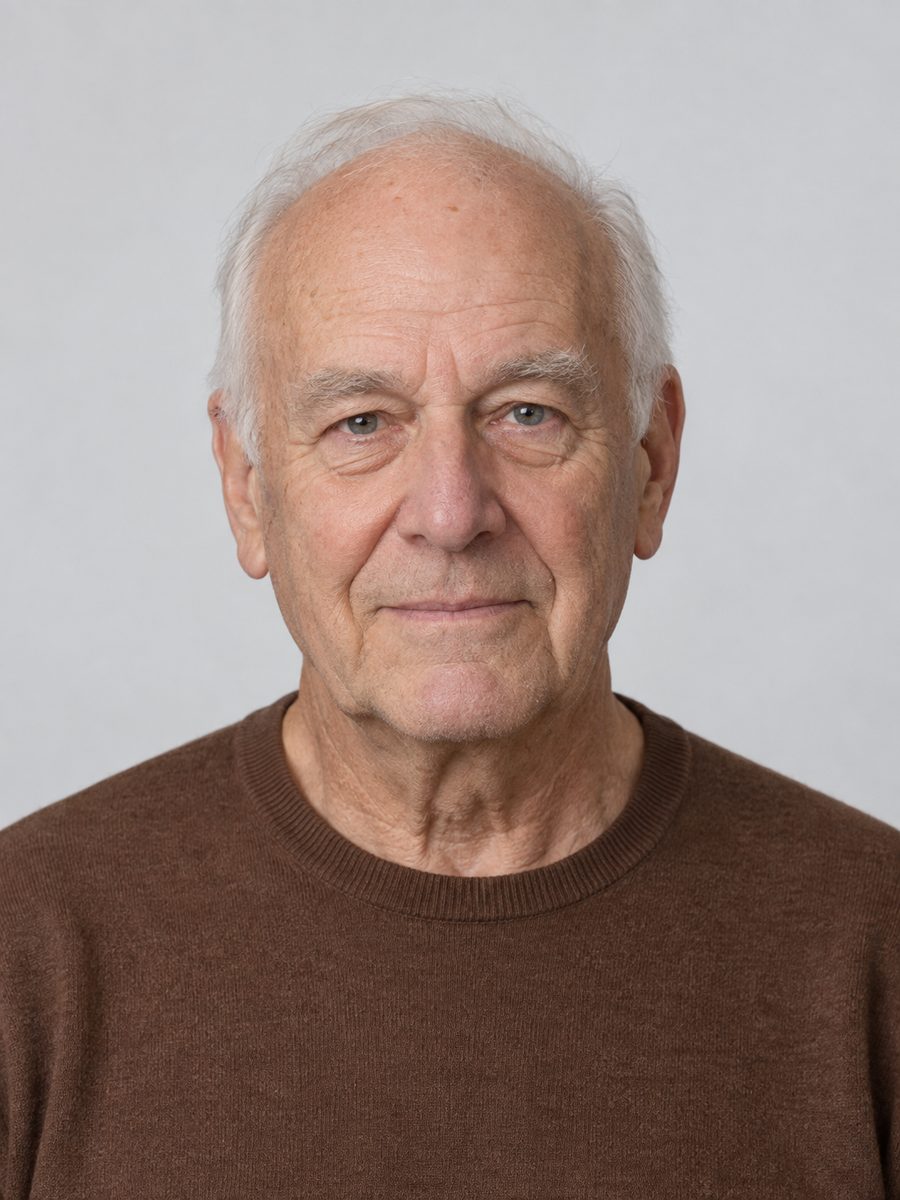
Older pair
Made from two fictional, AI-generated portraits.
10 s · 720p · 16:9 · No manual editing
Generated in 4:28
 0:10
0:10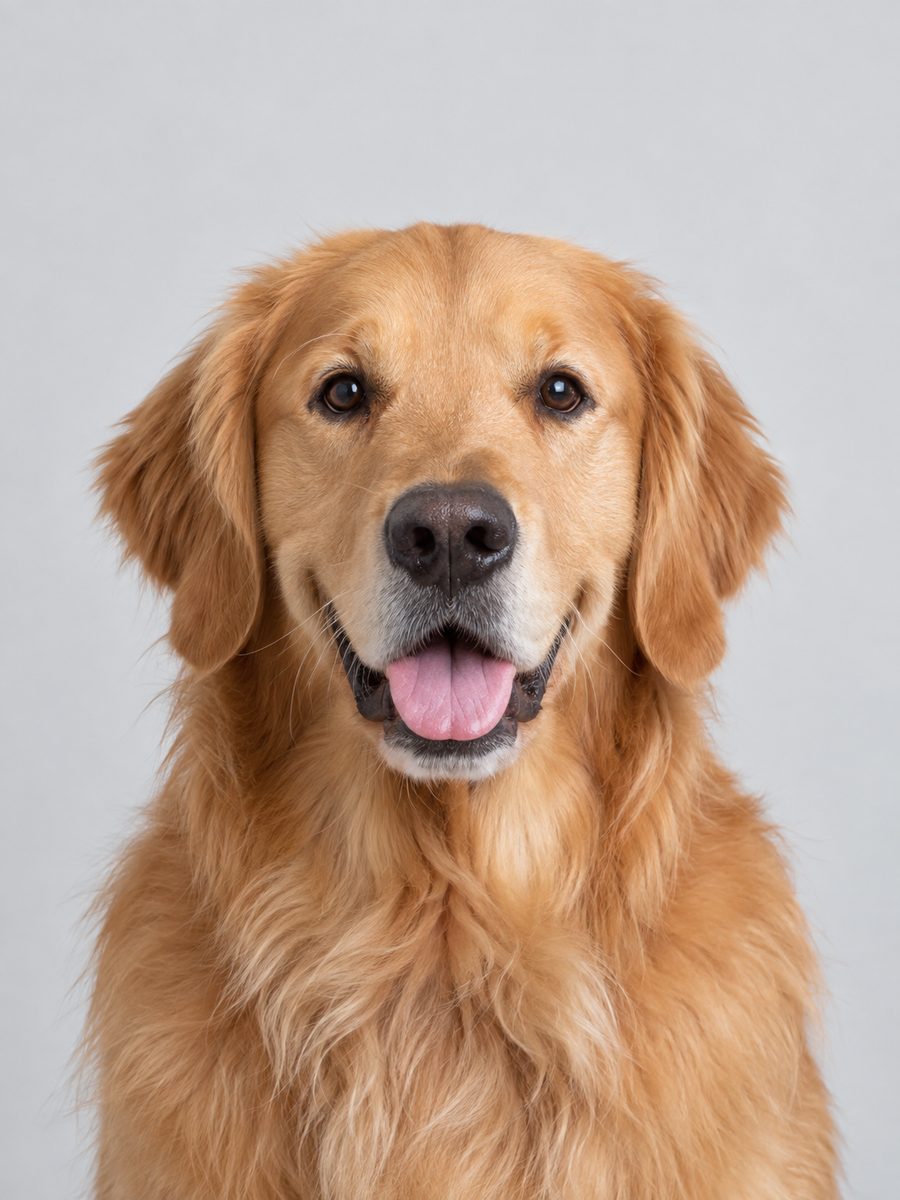
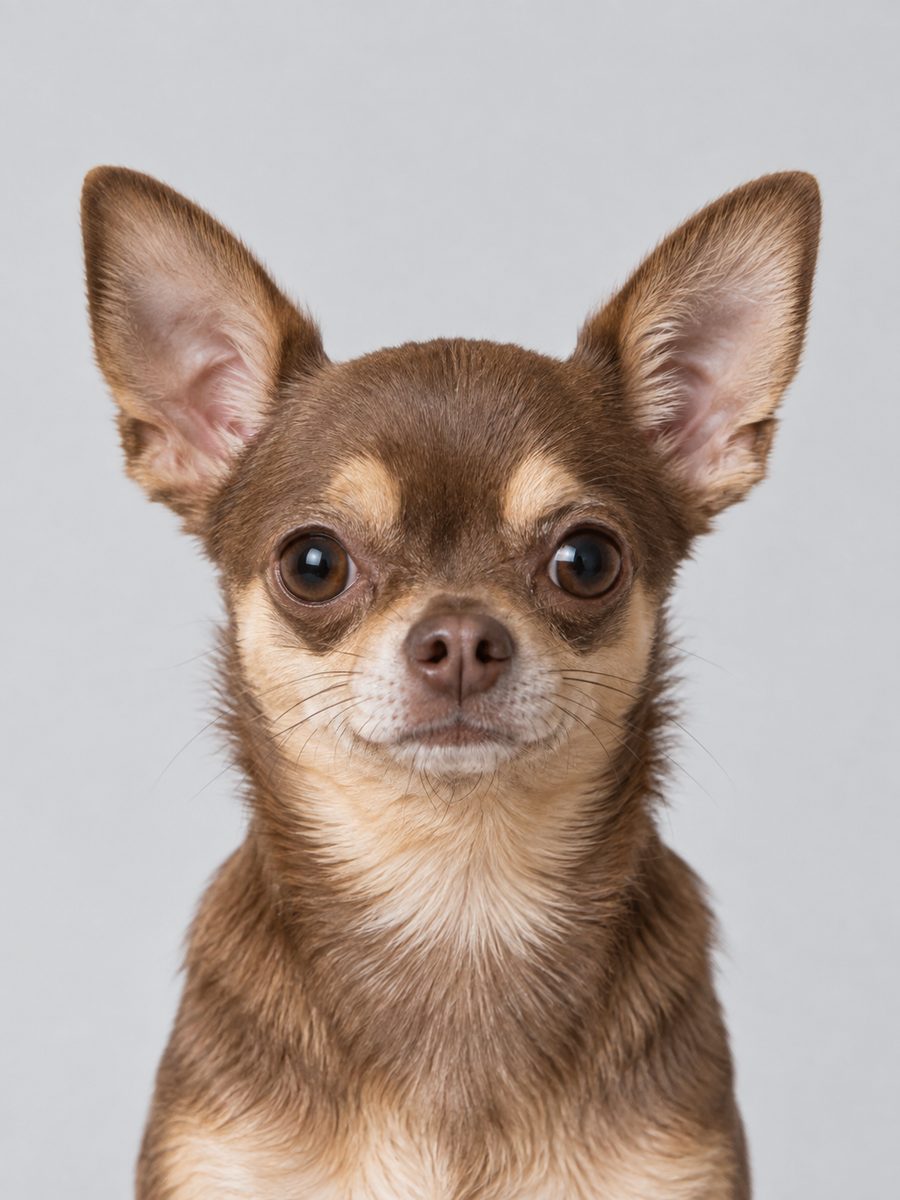
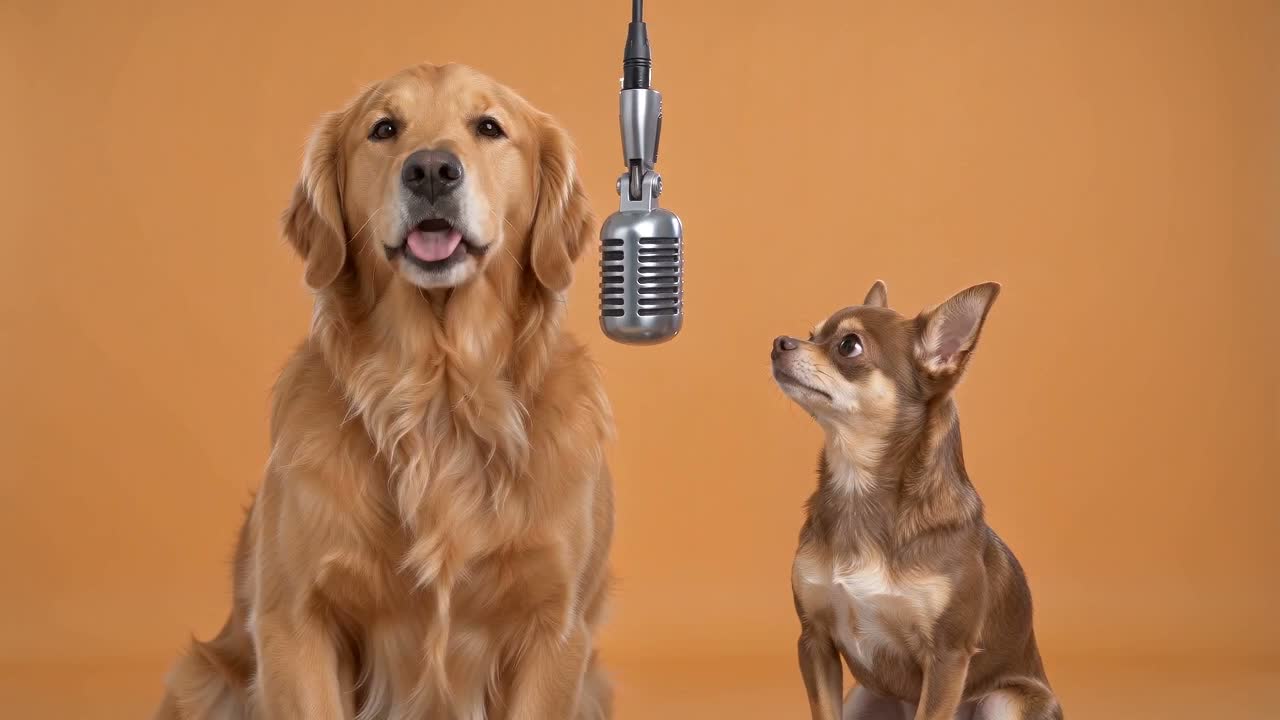
Two dogs
Made from two fictional, AI-generated pets.
10 s · 720p · 16:9 · No manual editing
Generated in 2:11
 0:10
0:10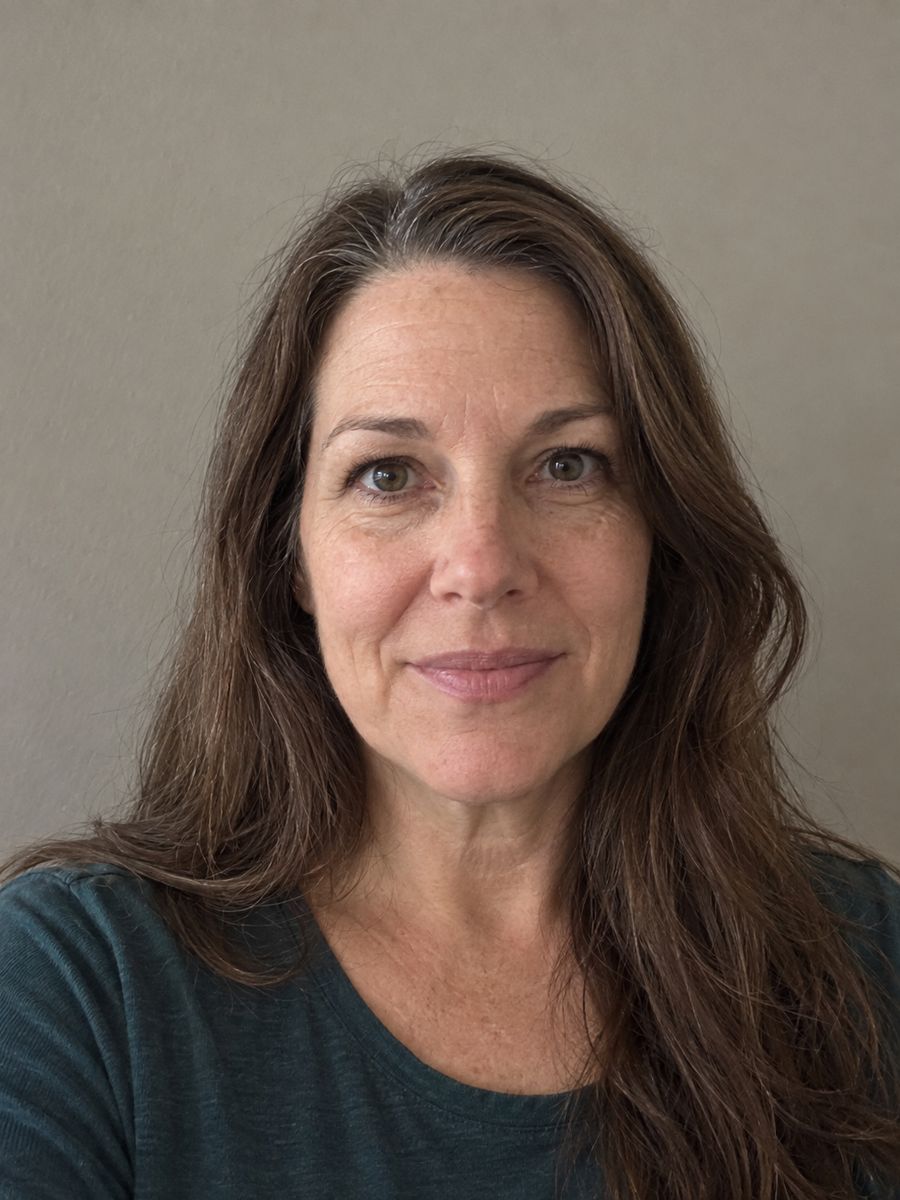
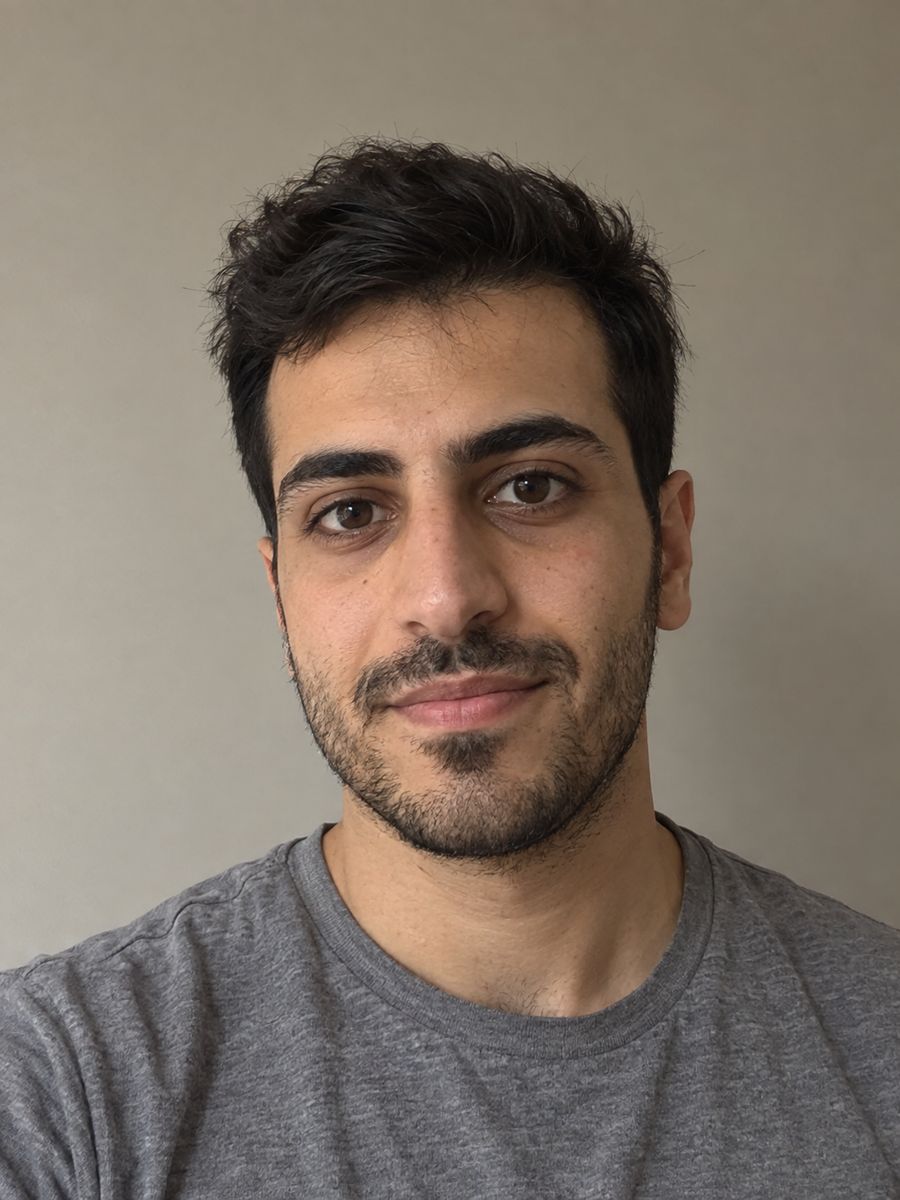
Everyday phone photos
Made from two fictional, AI-generated portraits.
10 s · 720p · 16:9 · No manual editing
Generated in 3:36
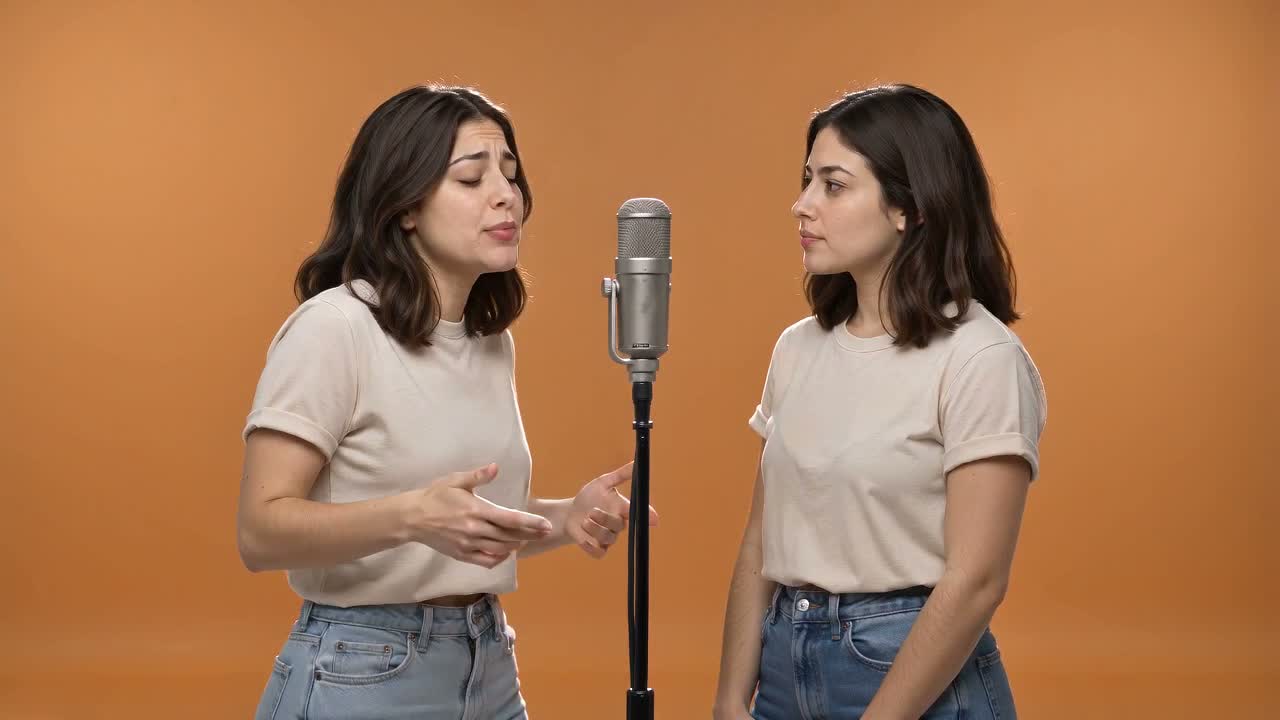 0:10
0:10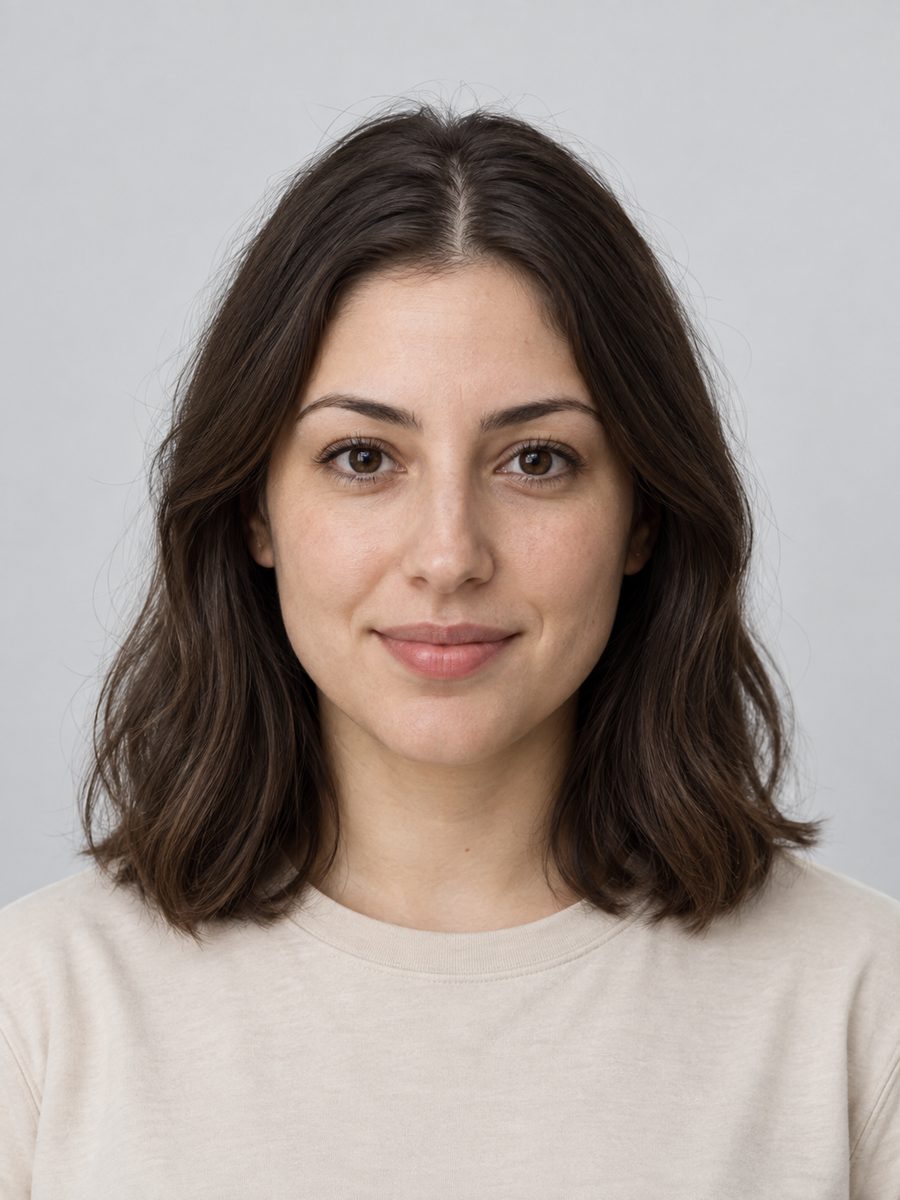
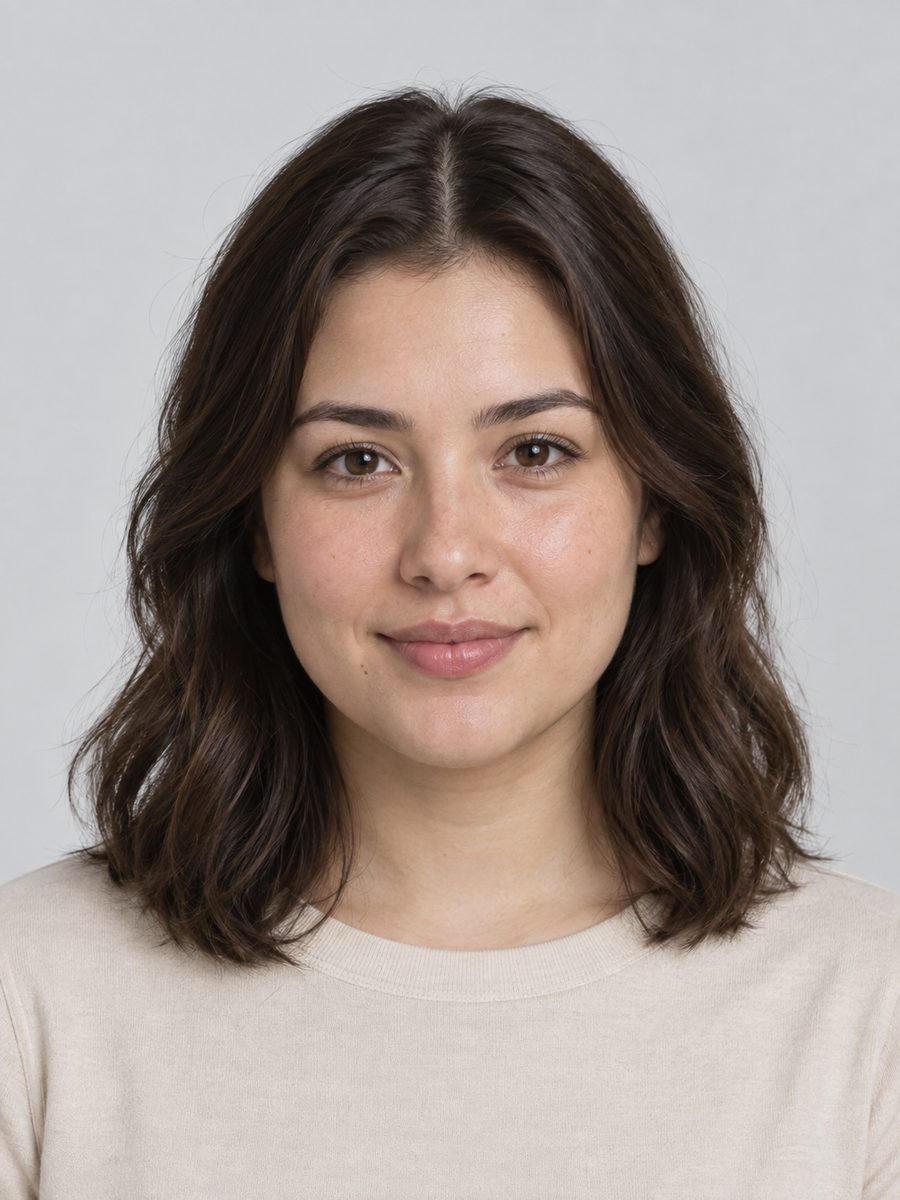
Look-alike pair
Made from two fictional, AI-generated portraits.
10 s · 720p · 16:9 · No manual editing
Generated in 3:30
Specifications
| Fact | Value | Source |
|---|---|---|
| Generation duration range | 131 to 280 seconds across 10 verified test runs | Create |
| Generation reliability | Zero retries and zero manual edits across gallery examples | Create |
| Model architecture | Fixed ByteDance Seedance 2 Mini via kie.ai | Create |
| Supported inputs | Two JPG, PNG, or WebP pictures up to 5 MB each | Create |
| Render format | 16:9 widescreen 720p MP4 (5, 10, or 15 seconds; 10s default) | Create |
Good to know
After your video is ready, take a moment to check that the visuals and lyrics match what you had in mind. The optional direction box accepts up to 500 characters for movement or lyrics, though exact singing articulation varies naturally across AI video models. While 5-second and 15-second durations are selectable in the studio, only the 10-second default currently features verified sample videos. Source photos are deleted from our storage within 1 hour after generation finishes or fails. You can review full details in our privacy policy and read about generation balance returns in our refund policy. If you plan to share realistic clips depicting recognizable people on public video channels, remember to review platform rules regarding synthetic media disclosures [3].
Frequently asked questions
What is AI video?
AI video describes motion footage generated or animated by artificial intelligence algorithms. Rather than recording live actors with a physical camera, generative models read text prompts or reference photographs to synthesize plausible movement, facial expressions, and lighting across consecutive frames.
How does photo-to-video work?
Photo-to-video systems combine static reference images with motion diffusion algorithms [1]. The neural network identifies facial contours, hair textures, and lighting in your uploaded photos, then animates natural head bobs and mouth timing while keeping personal likeness intact.
How long does one clip take?
In our ten verified benchmark runs, a standard 10-second clip recorded render times between 131 and 280 seconds in test logs. Actual durations depend on server demand with no fixed delivery promises. Because rendering runs in the background, you can close the window and view your finished MP4 in your account history.
Can I choose the model?
No, our studio uses a dedicated rendering pipeline centered on Seedance 2 Mini [2]. Keeping the model architecture fixed ensures consistent split-screen staging and dependable call-and-response timing for every render.
Do I need editing skills?
No prior video editing experience is needed. The platform automatically handles framing, orange-room set dressing, audio accompaniment, and motion choreography. You only need to supply two clear portraits and optional directional notes.
Can I try it free?
Yes. You can review your portraits locally with browser validation and inspect split-screen staging with a free scene preview before logging in. When you want to render your first video clip, Sign up and get 1 free generation to see the full motion performance.
Sources
- 1ByteDance Seedance 2.0 Foundation Architecture ↗seed.bytedance.com
- 2
- 3Disclosing Generative AI and Synthetic Media ↗support.google.com
- 5MDN Web Docs: File API for Local File Handling ↗developer.mozilla.org