
Hotel Lobby Video: Make Your Own Version with Two Photos
Looking to create a hotel lobby video using your own pictures?
Looking to create a hotel lobby video using your own pictures? HotelLobby turns two separate portraits into an animated split-screen performance, staging both subjects side by side on a bright orange studio set beside a shared hanging microphone. Test your photos with a free scene preview right in your browser, and see how your pictures look on set.
Left spotlight
Right response
Together
Looking for the original video?
Many searchers look for the famous music clip, but this studio helps you create an original version with your own two pictures.
If you are searching for the official music release, mainstream streaming platforms host those commercial tracks and clips. Our site does not host, stream, or distribute commercial recordings or copyrighted music videos. Instead, we offer an interactive studio to transform two personal photos into a fresh duet clip [4]. Place two friends, family members, or pets into a warm orange studio set. The AI video model positions both subjects beside a hanging microphone, animating their expressions with rhythmic head bobs and an original synthetic beat. This brings the playful visual energy of a split-performer exchange to your personal hotel lobby video. To explore the wider phenomenon across social channels, read about the hotel lobby trend.
What happens second by second
Every standard 10-second render follows a choreographed timeline designed for balanced duet performance.
Our template uses a locked widescreen composition powered by the Seedance 2 Mini AI video model [2]. Both subjects remain visible side by side throughout the clip, framed in an orange photography studio backdrop. Here is how each second unfolds:
- Seconds 0 to 4 (Left lead): The left performer delivers opening lines beside the hanging microphone with rhythmic mouth movements and expressive gestures, while the right subject listens and nods in time.
- Seconds 4 to 8 (Right response): The spotlight shifts smoothly to the right performer, who takes over vocals while the left subject listens and nods along to the rhythm.
- Seconds 8 to 10 (Synchronized finale): Both performers nod together to the closing beat. The camera maintains a locked medium-wide shot with no sudden cuts, keeping both faces distinct and clear throughout.
This structured pacing produces a balanced hotel lobby video with steady visual energy. For custom prompts and technical parameters, visit our hotel lobby ai video generator.
Pets work too in studio duets
Bring cats and dogs into the studio with specialized prompt tuning that preserves their natural features.
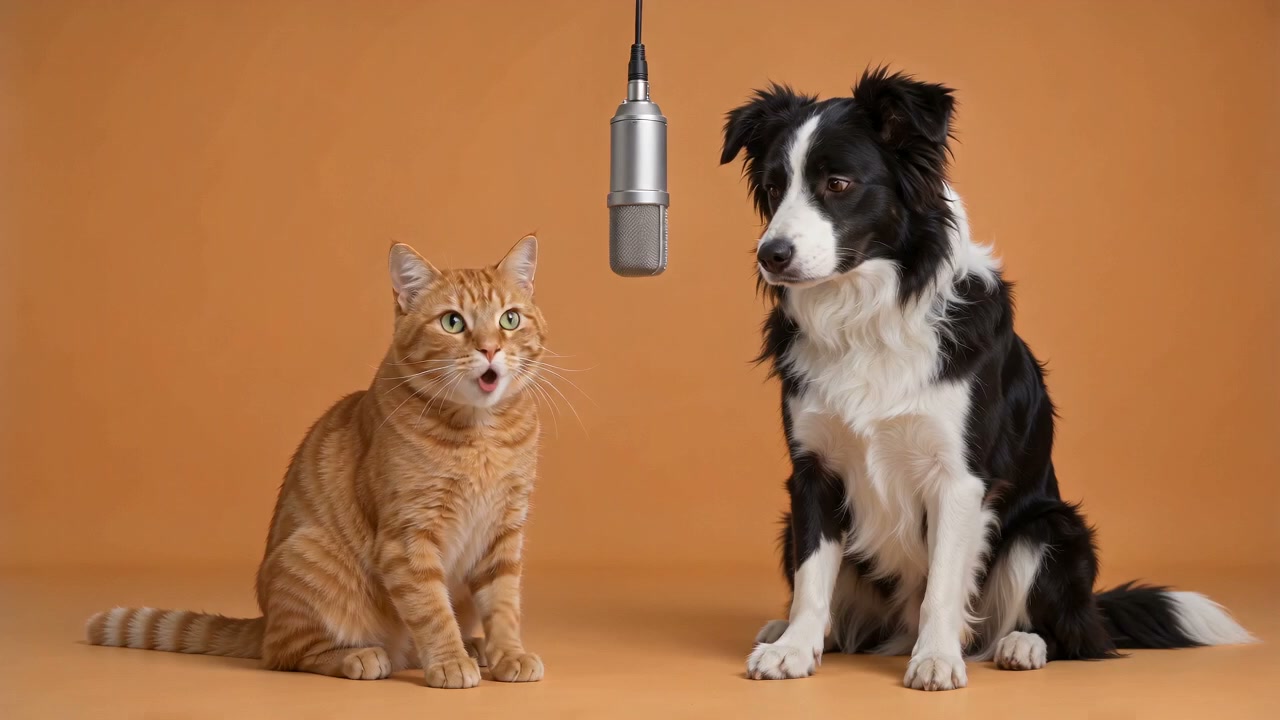
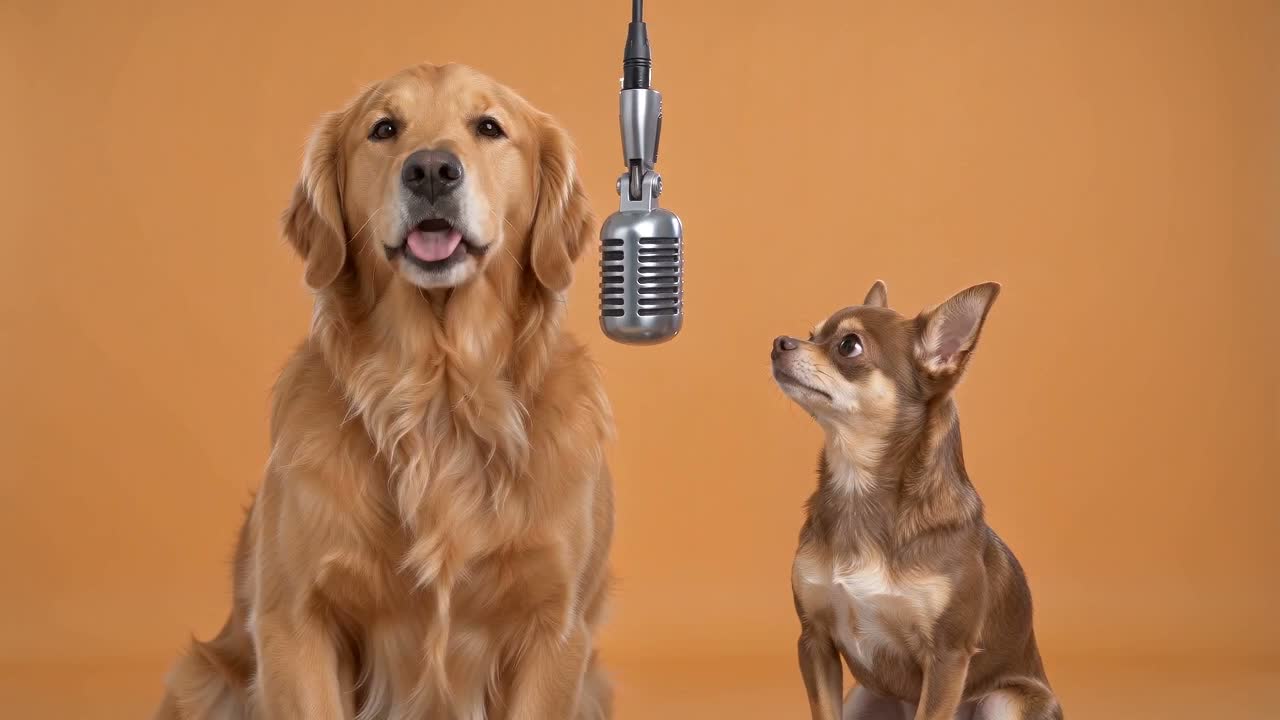
Duet performances work smoothly with household pets. You can pair two pets together or stage a person alongside their pet. In verified examples like Two dogs and Cat and dog, the model adapts choreography for animals by using gentle head bobs, ear twitches, and rhythmic mouth motions rather than human hand gestures.
For clean animal portraits, upload bright, front-facing photos showing clear facial features and fur patterns. The system preserves natural canine and feline anatomy without altering coat colors or blending breeds. Inspect your composition locally in the browser to confirm both subjects look comfortable before generating. View unedited outputs in our examples gallery, and read our photo preparation guide for helpful image tips.
Choose a length for your free preview
Pick between 5, 10, or 15 seconds to match your creative concept and pacing.
Select the duration that suits your creative story:
- 5 seconds: A quick format for punchy greetings or social reactions, using fewer credits.
- 10 seconds (default): The standard format featured across all verified gallery examples, providing a balanced call-and-response duet.
- 15 seconds: An extended option allowing more space for custom lines or comedic timing, using more total credits.
While 5-second and 15-second settings are available in the generator, only the 10-second option has verified gallery samples. Check our pricing page to review credit pack options.
Make your custom clip with a free photo check
Follow four easy steps to produce your custom hotel lobby video from start to finish.
Getting started takes just four straightforward steps in your browser:
- Choose photos: Pick two images up to 5 MB each in JPG, PNG, or WebP format.
- Review locally: Run the free photo check to evaluate lighting, resolution, and contrast on your device without uploading files.
- Preview scene layout: Inspect your static composition beside the studio microphone, and optionally add up to 500 characters of lyrics or mood guidance.
- Generate video: Submit your render through Seedance 2 Mini, or Sign up and get 1 free generation to create your clip. You can safely close the tab; the finished video arrives in your account history and sends an email notice.
To explore the broader duet video ecosystem, browse our hotel lobby ai video guide.
Examples
 0:10
0:10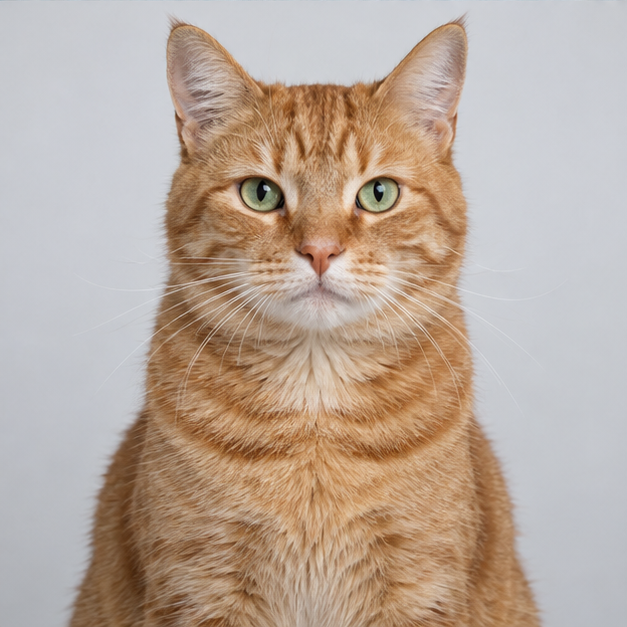
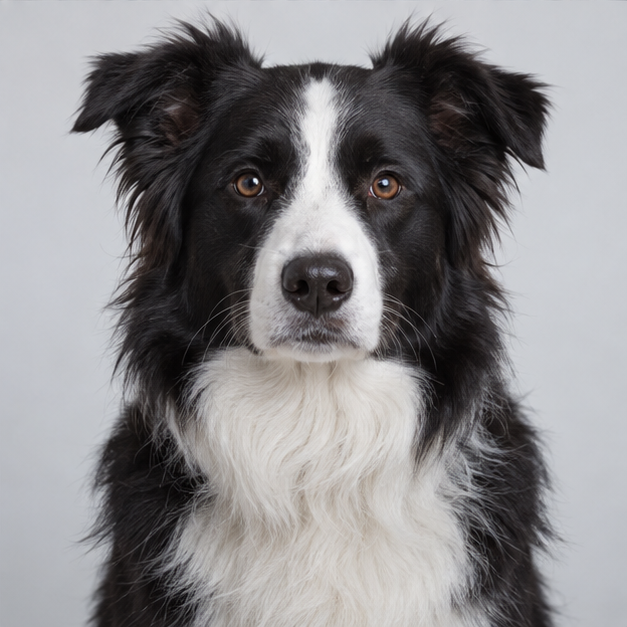
Cat and dog
Made from two fictional, AI-generated pets.
10 s · 720p · 16:9 · No manual editing
Generated in 4:11
 0:10
0:10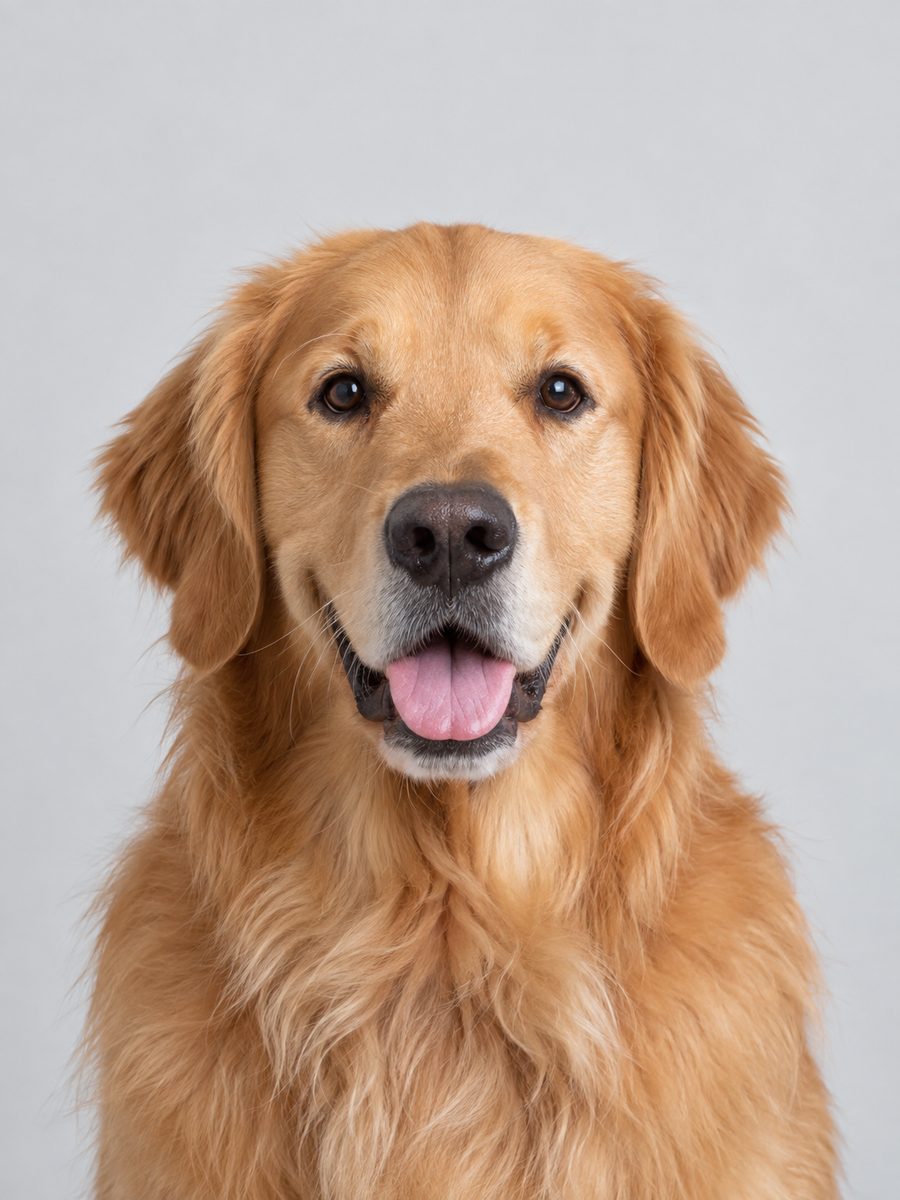
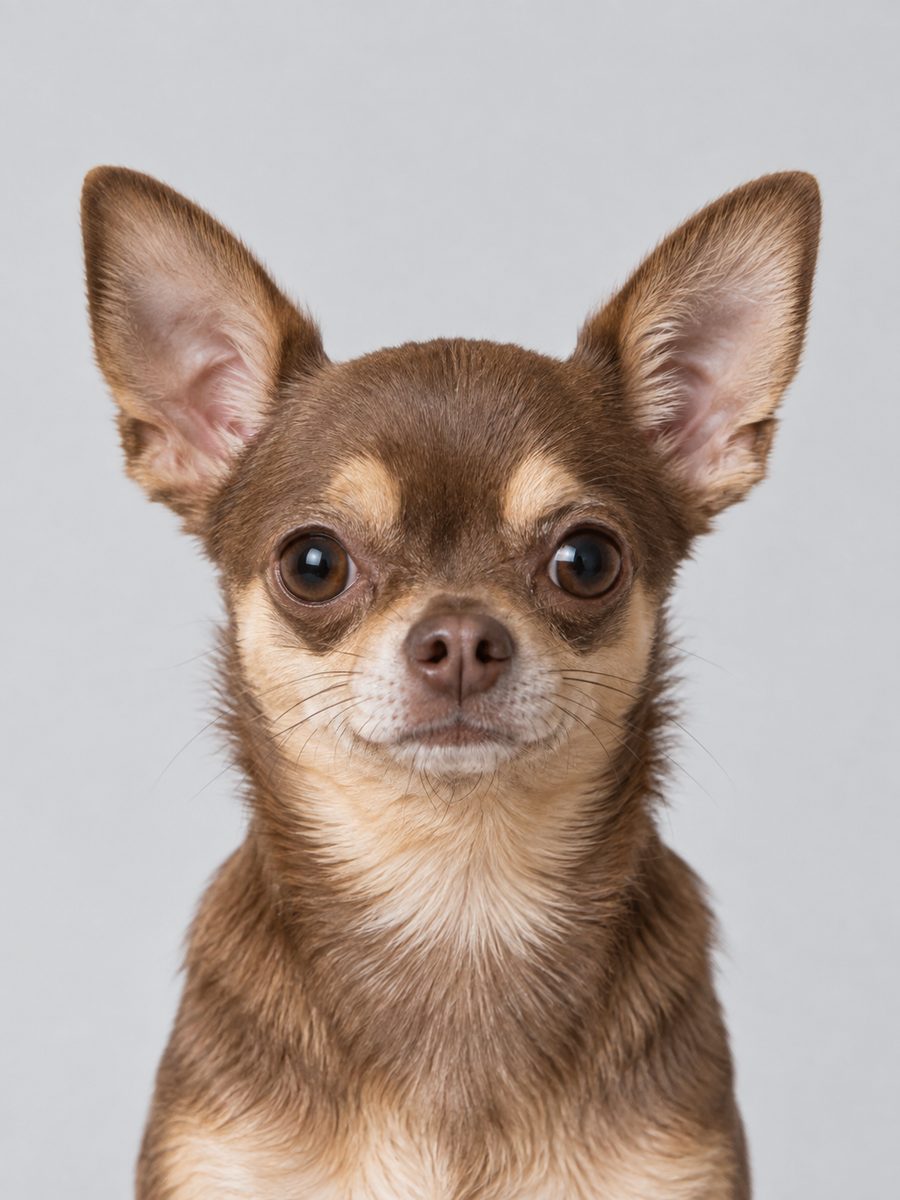
Two dogs
Made from two fictional, AI-generated pets.
10 s · 720p · 16:9 · No manual editing
Generated in 2:11
Specifications
| Fact | Value | Source |
|---|---|---|
| Default timeline | 10 seconds total: 0–4s left lead, 4–8s right lead, 8–10s synchronized nod | Create |
| Runtime options | 5 seconds, 10 seconds (default), or 15 seconds | Create |
| Pet compatibility | Supports dogs and cats using natural head bobs and mouth movements | Create |
| Audio arrangement | Original synthetic rhythm track without commercial recordings | Create |
| Resolution & format | 720p landscape MP4 rendered via Seedance 2 Mini | Create |
Good to know
After your video is ready, take a moment to check that the visuals and lyrics match what you had in mind. The optional direction box accepts up to 500 characters for movement or lyrics, though exact singing articulation varies naturally across AI video models. While 5-second and 15-second durations are selectable in the studio, only the 10-second default currently features verified sample videos. Source photos are deleted from our storage within 1 hour after generation finishes or fails. You can review full details in our privacy policy and read about generation balance returns in our refund policy. If you plan to share realistic clips depicting recognizable people on public video channels, remember to review platform rules regarding synthetic media disclosures [3].
Frequently asked questions
Where can I watch the original Hotel Lobby video?
The original music video streams on major commercial platforms. Our website does not host or stream copyrighted music recordings. Instead, we offer an interactive studio where you use two photos to generate a fresh, personalized duet clip with an original synthetic beat.
Is this the original performance?
No, our studio creates an entirely original performance. The Seedance 2 Mini model animates your two portraits using synthetic beats and studio choreography, creating a novelty clip rather than replicating a commercial music release.
Can pets be in the video?
Yes, pets work smoothly in our orange studio setup. Upload clear photos of dogs or cats, and the system animates natural head nods and mouth timing while preserving authentic fur patterns and facial anatomy.
How long should my clip be?
We recommend the 10-second default for most projects because it balances the back-and-forth duet across both subjects. If you want a quick greeting, choose 5 seconds. If you have custom lyrics, choose 15 seconds.
Can I download the MP4?
Yes, every finished video generates as a 720p landscape MP4 file. Download completed files from your History dashboard, where they remain available for 7 days. You can also clear records at any time using Delete my data.
Do you use the original audio?
No, we never use commercial recordings or copyrighted vocal tracks. All clips feature original synthetic beats and vocals designed for our studio animations.
Can I try it free?
Yes. You can test your pictures with our browser-based photo tool and static scene layout without creating an account. When you are ready to produce a video, claim your welcome credit to experience the full studio workflow.
Sources
- 2Bytedance Seedance 2.0 Mini Model Overview ↗docs.kie.ai
- 3Disclosing Use of Generative AI Content ↗support.google.com
- 4